TagSpaces: A Powerful Digital Asset Management (DAM) Solution
TagSpaces is a local-first, privacy-focused Digital Asset Management (DAM) tool that helps you organize, browse, tag, preview, and annotate all types of digital files—without relying on the cloud. It's ideal for creatives, researchers, businesses, and teams who want full control over their digital content across platforms.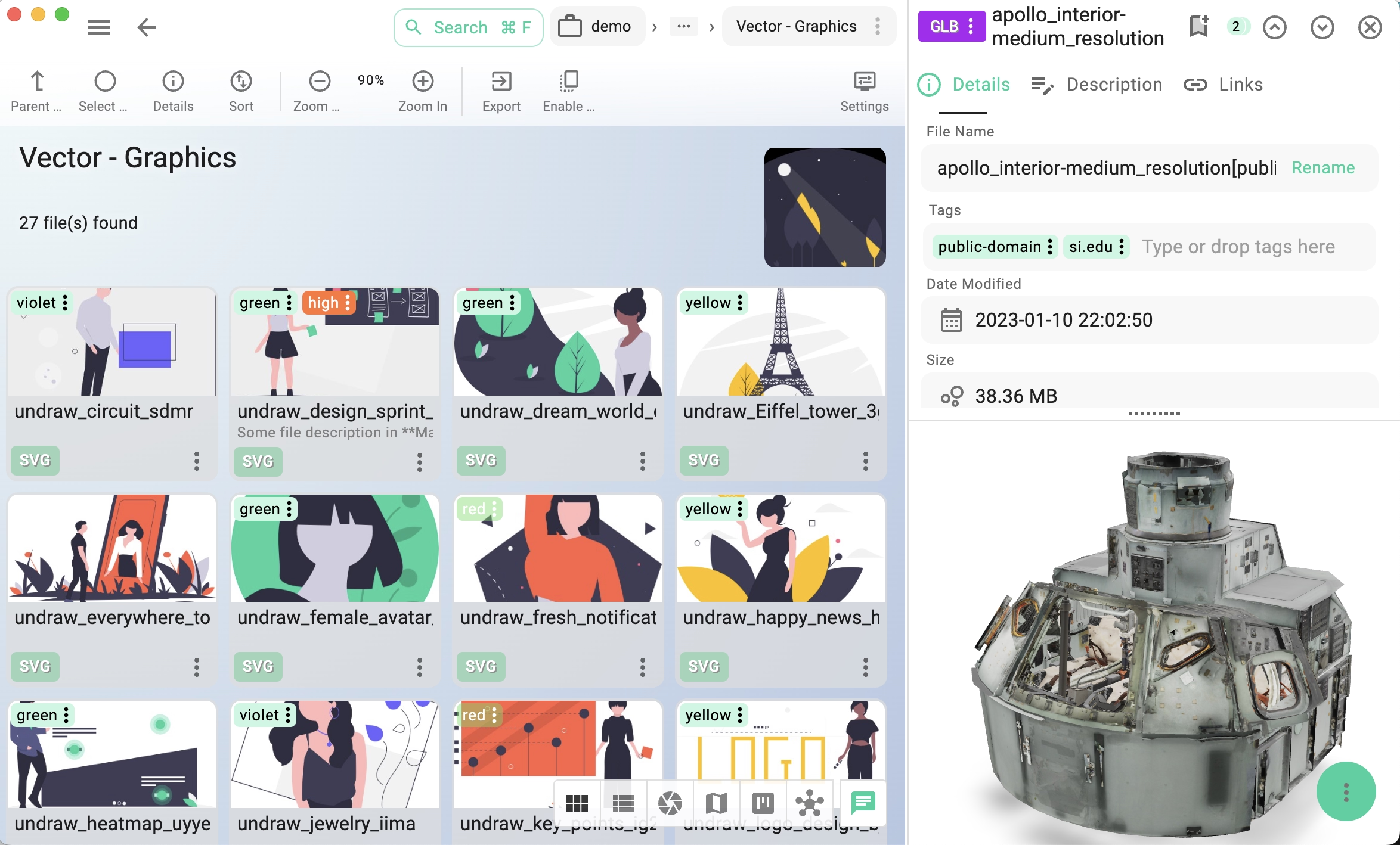
Why Use TagSpaces for DAM?
🔒 Privacy-first: Your files stay local unless you choose to sync them
⚡ Fast previews: Open files instantly in a built-in viewer
🔖 Advanced tagging: Organize by keyword, project, or type
🖥️ Cross-platform: Use on Windows, macOS, Linux, Android (PWA) and iOS (PWA)
🌐 Cloud-optional: Integrates with Dropbox, Google Drive, S3 object storage, and more
Image Management & Annotation
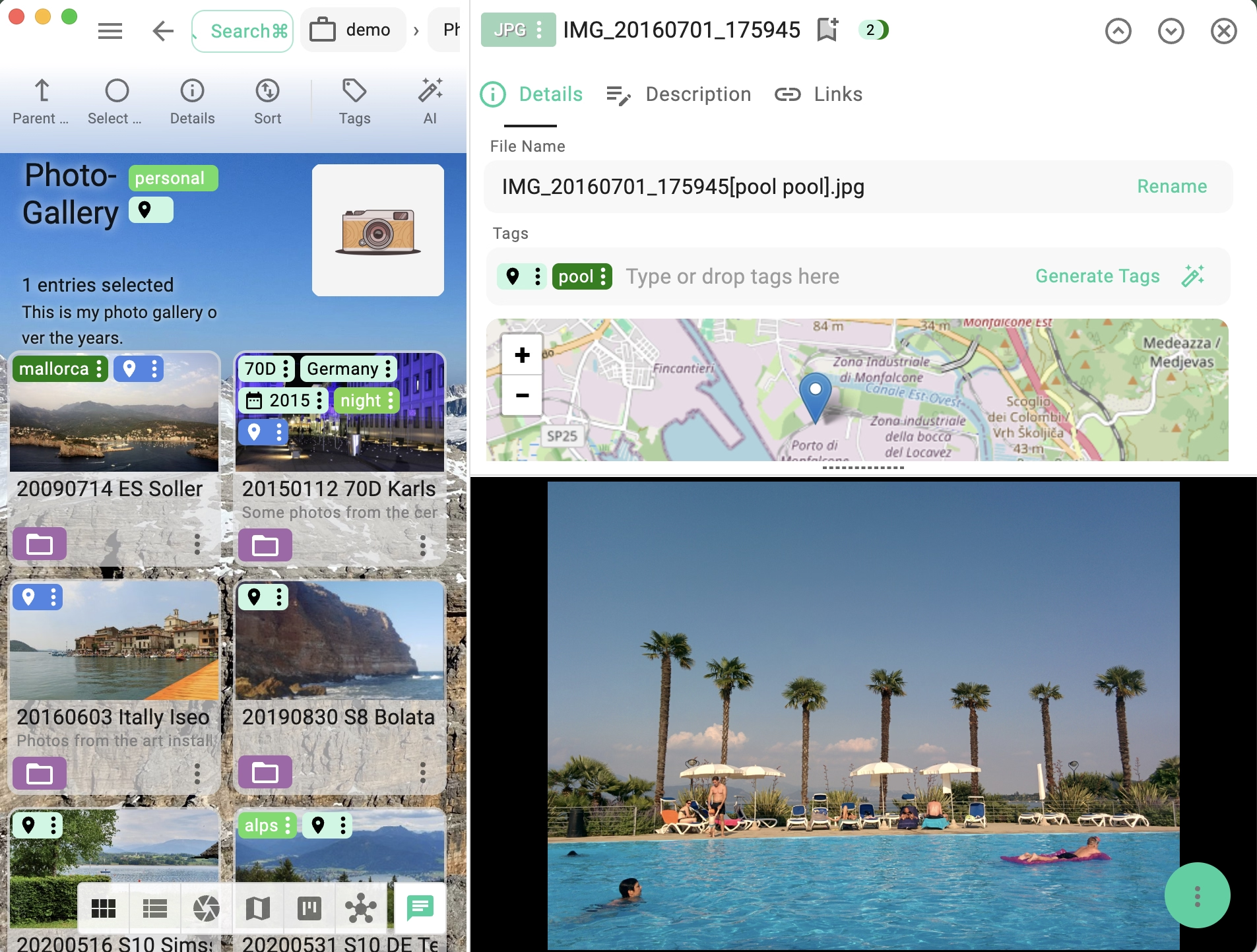
TagSpaces is a lightweight photo manager perfect for annotating, organizing, and browsing photos or other images
- Add custom tags and descriptions to images
- Built-in image viewer with zoom, rotate, mirror, and EXIF/IPTC support
- Generate thumbnails for various formats like JPG, PNG, GIF, SVG, TIF, or WEBP
- View in grid, list, gallery, presentation or full-screen modes
- Set custom thumbnails and colors for folders for easier navigation and visual orientation
Preview and Organize 3D Models pro
Whether you're a 3D designer or product developer, TagSpaces Pro helps you easily review and document 3D prototypes and assets for digital or print workflows.:
- Preview 3D models in GLB, GLTF, STL, and OBJ formats
- Rotate and zoom using mouse gestures
- Tag, annotate, and save snapshots of your models
- View 3D assets directly without specialized software
Video & Audio File Organizer
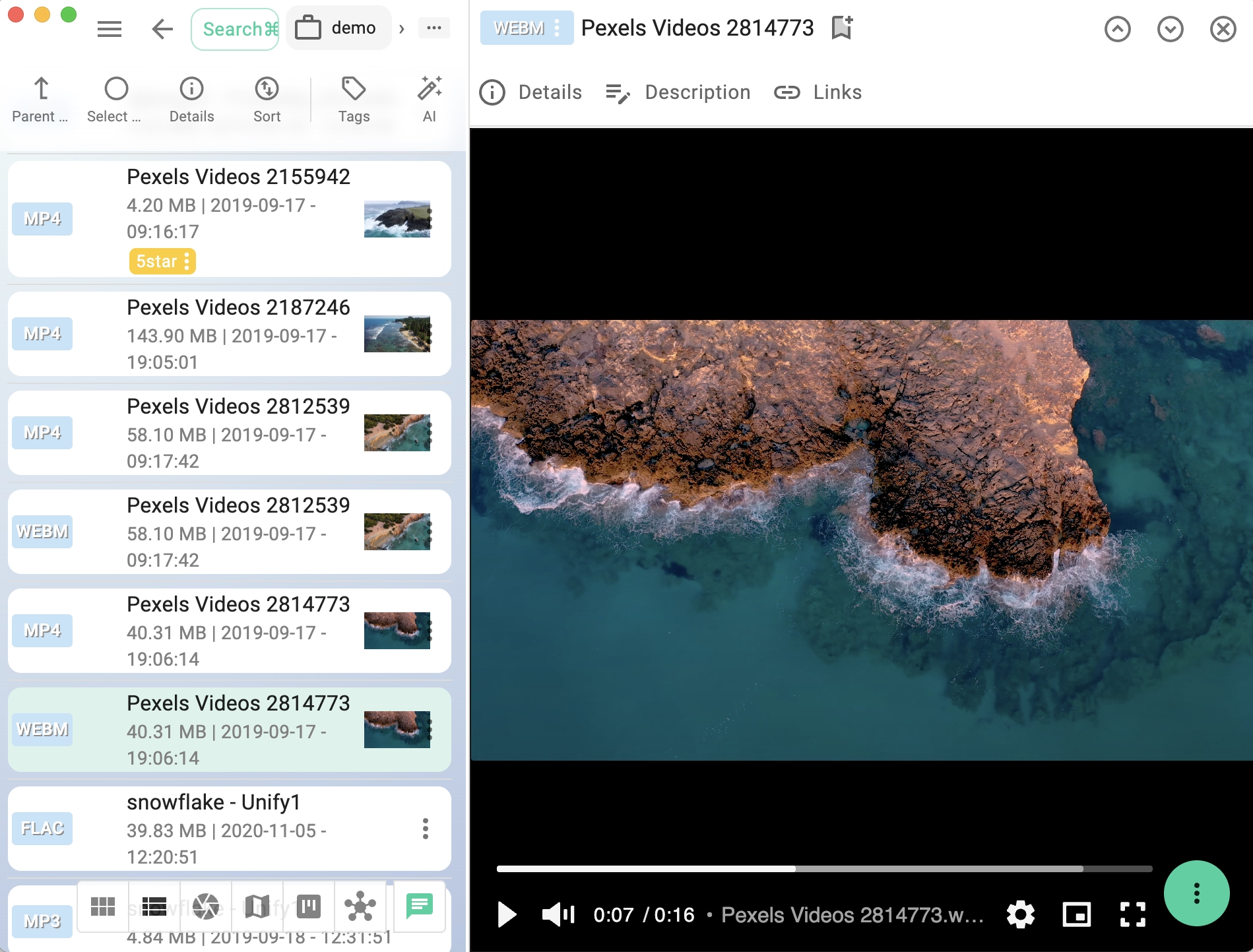
Manage and play your media files right inside TagSpaces. Ideal for video editors, podcasters, and anyone archiving multimedia content.
- Built-in media player for formats like WEBM, OGV and more
- Add tags, notes, and metadata to any media file
- Generate video thumbnails automatically or assign custom images
- Use picture-in-picture mode, looping, and full-screen playback
Manage digital books and documents effortlessly
Create your own local library—searchable, sortable, and 100% under your control.
- Open EPUB and PDF files with the integrated reader
- Add copyright info, research notes, and tags
- Generate preview thumbnails for fast recognition
- Perfect for authors, researchers, and students
Live Demo
Below, you can launch a read-only demo of TagSpaces. It can be opened in a in a separate tab for a full-width browser experience.
Click to load the demo application.