Changes in TagSpaces 6.8 and 6.9

TagSpaces 6.9 & 6.8: Smarter AI, Faster Viewers, and a Fresh Start to 2026
We are off to a running start in 2026! Over the last three months, the team has been working hard to refine the core TagSpaces experience. With the releases of Version 6.9 (February) and Version 6.8 (December), we are introducing a powerful new way to manage AI interactions, a massive overhaul of our file viewers, and significant usability improvements for our Pro users.
Here is a deep dive into what is new and how it helps your workflow.
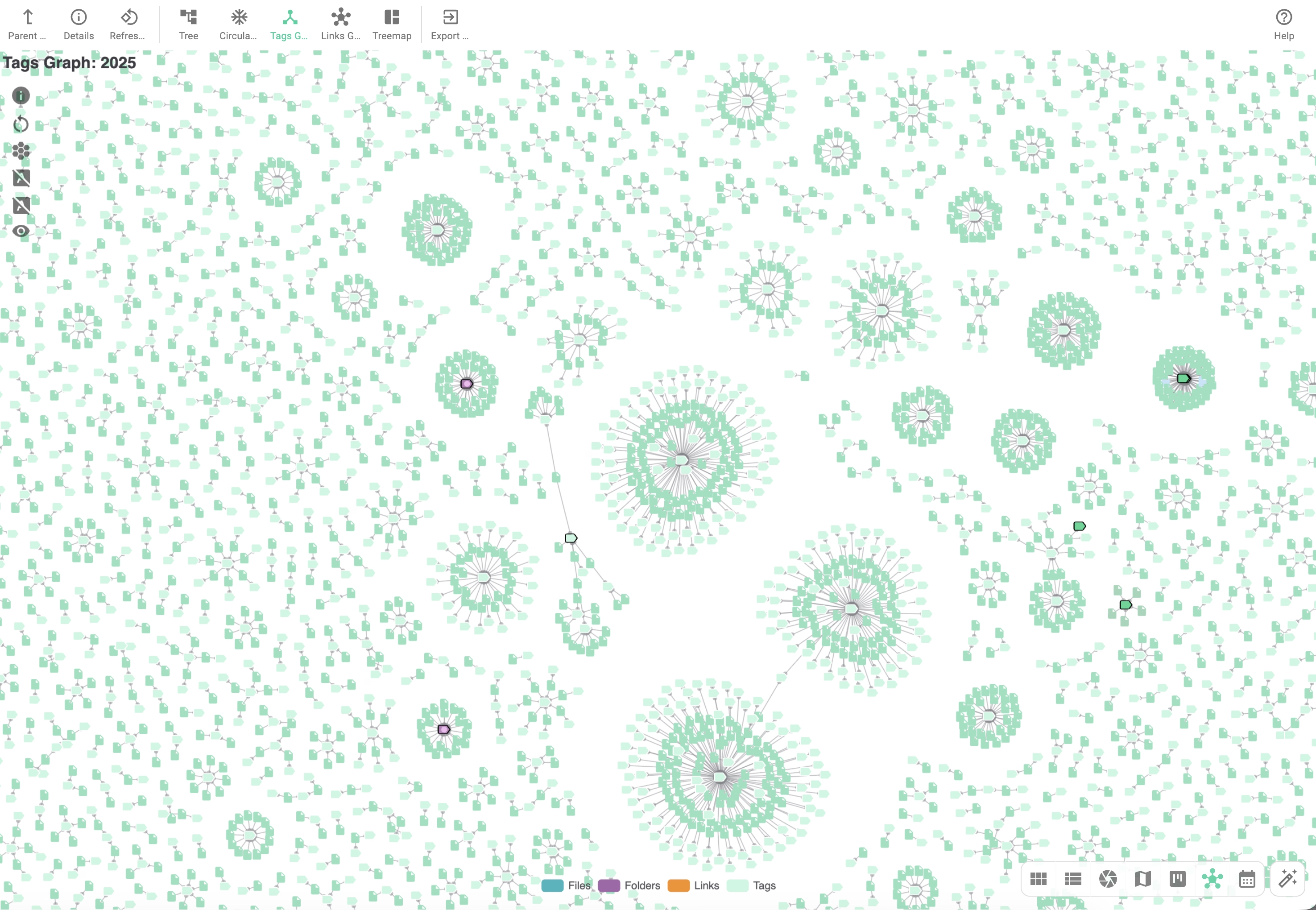
🧠 AI That Remembers and Adapts
In Version 6.9, we have moved beyond simple chat interactions to make the AI Assistant a more integrated part of your document management.
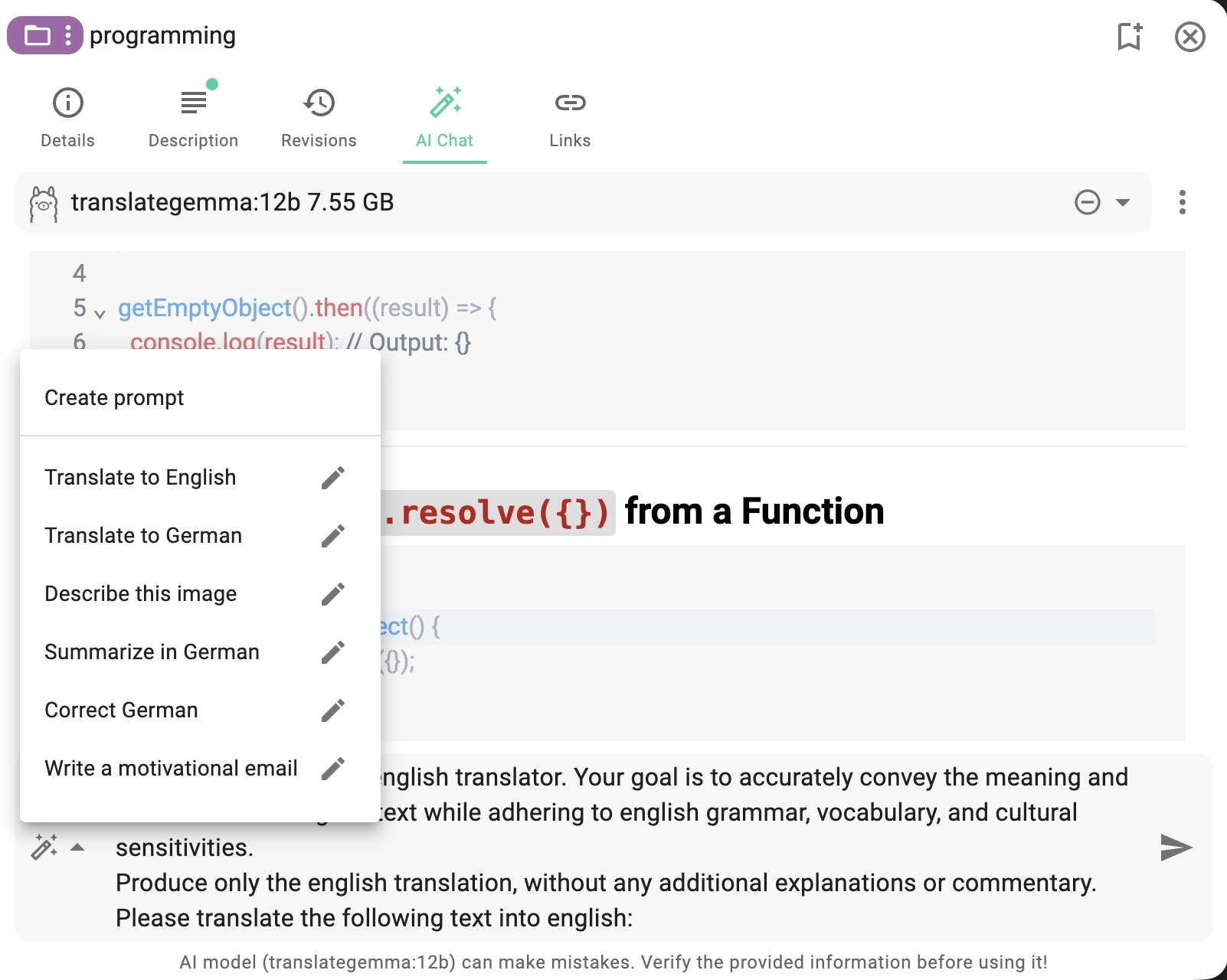
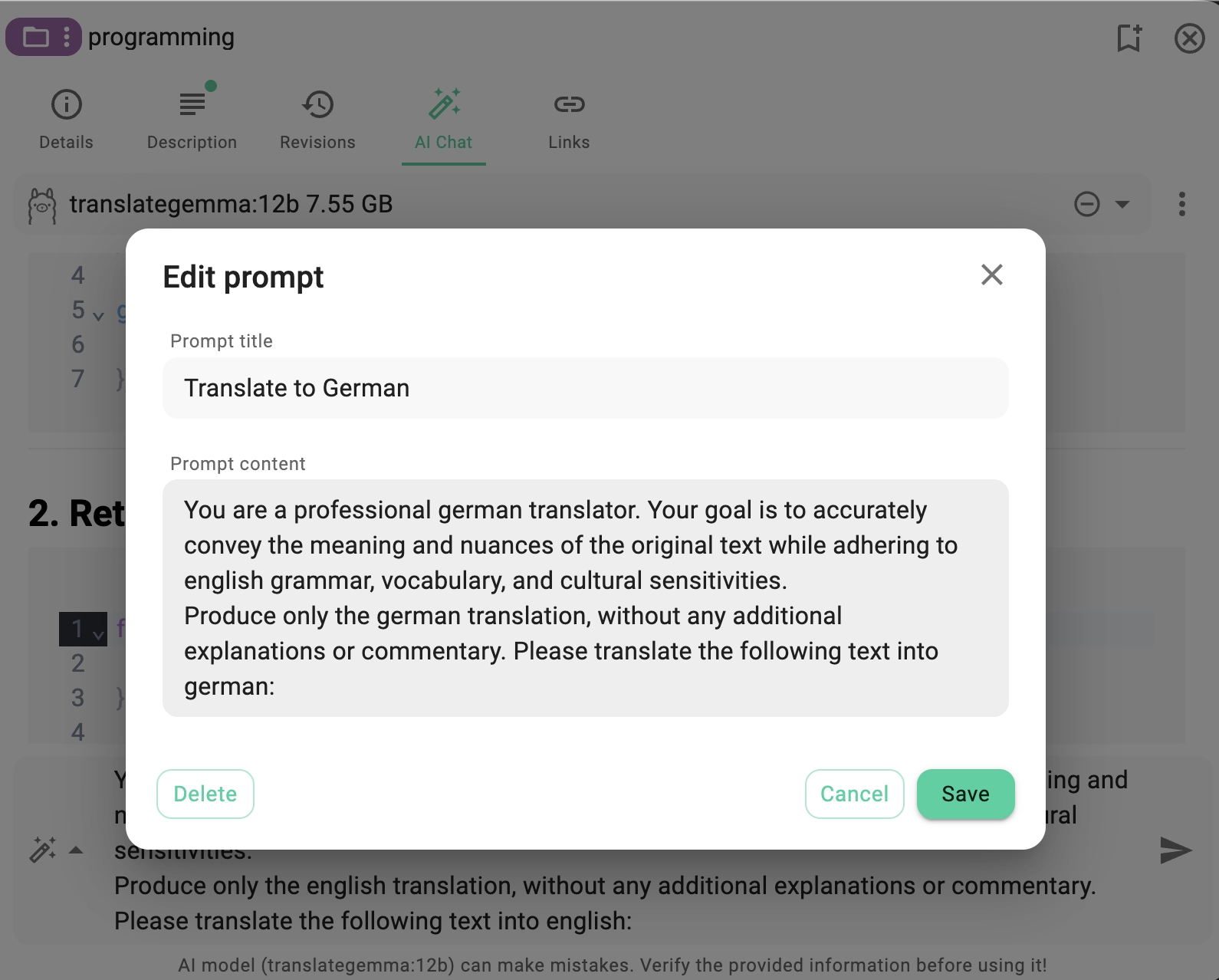
- Custom Prompt Management: We know that many of you use specific prompts repeatedly—whether it is summarizing invoices, extracting keywords, or translating text. You can now create, edit, and delete custom prompts. This allows you to build a library of commands tailored to your specific workflow, saving you from re-typing complex instructions every time.
- Contextual Content Extraction: Previously, analyzing a document often meant copy-pasting text. Now, we have added the ability to extract content directly from the file viewers into the AI chat. You can open a PDF or a text file and ask the AI to work with that content immediately.
- A Better Chat Experience: We have refined the UX with a new prompt selection menu and a history feature that remembers your last used prompt. Plus, for those writing detailed queries, the editor now supports multiline editing (using Shift+Enter), giving you the space you need to be precise.
📞 New Extension: Contact Viewer
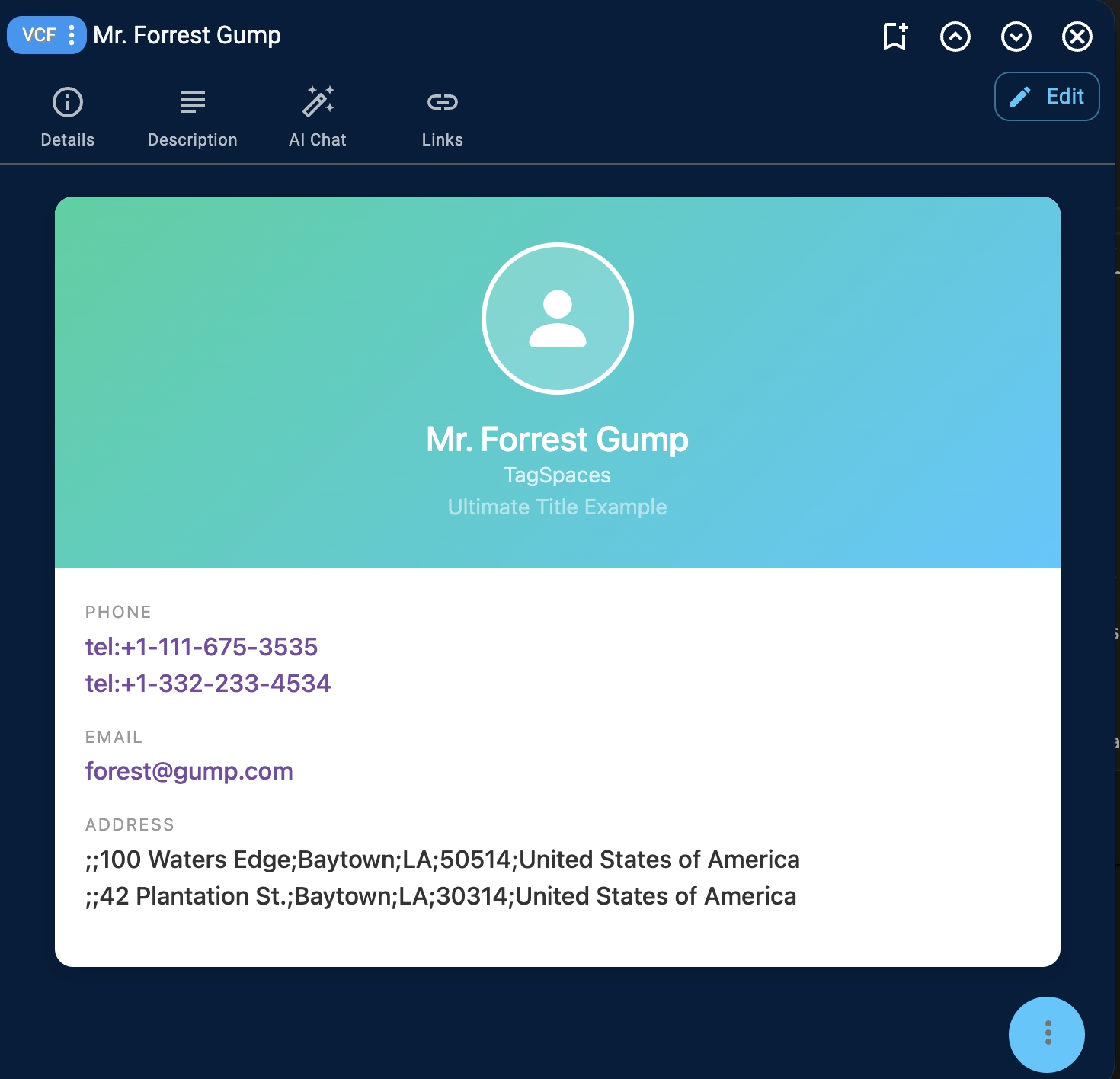
We are expanding the capabilities of TagSpaces beyond documents and media. With the new Contact Viewer extension, you can now view and manage VCF (vCard) files directly within the application.This effectively turns TagSpaces into a lightweight, privacy-focused contact manager. You can now apply the full power of TagSpaces to your address book: tag contacts by category, add private notes, or group them with related project files. The viewer is fully interactive—clicking an email address instantly opens your default mail client, while clicking a phone number initiates a call (on supported devices).
VCF (vCard File) is a standard file format used to store contact information such as names, phone numbers, email addresses, and other personal details. It is commonly used to exchange contacts between devices, email clients, and address book applications.
📄 The Viewer Overhaul
The ability to preview files without opening external apps is the backbone of TagSpaces. In Version 6.9, we executed a major refactoring of our most critical viewers.
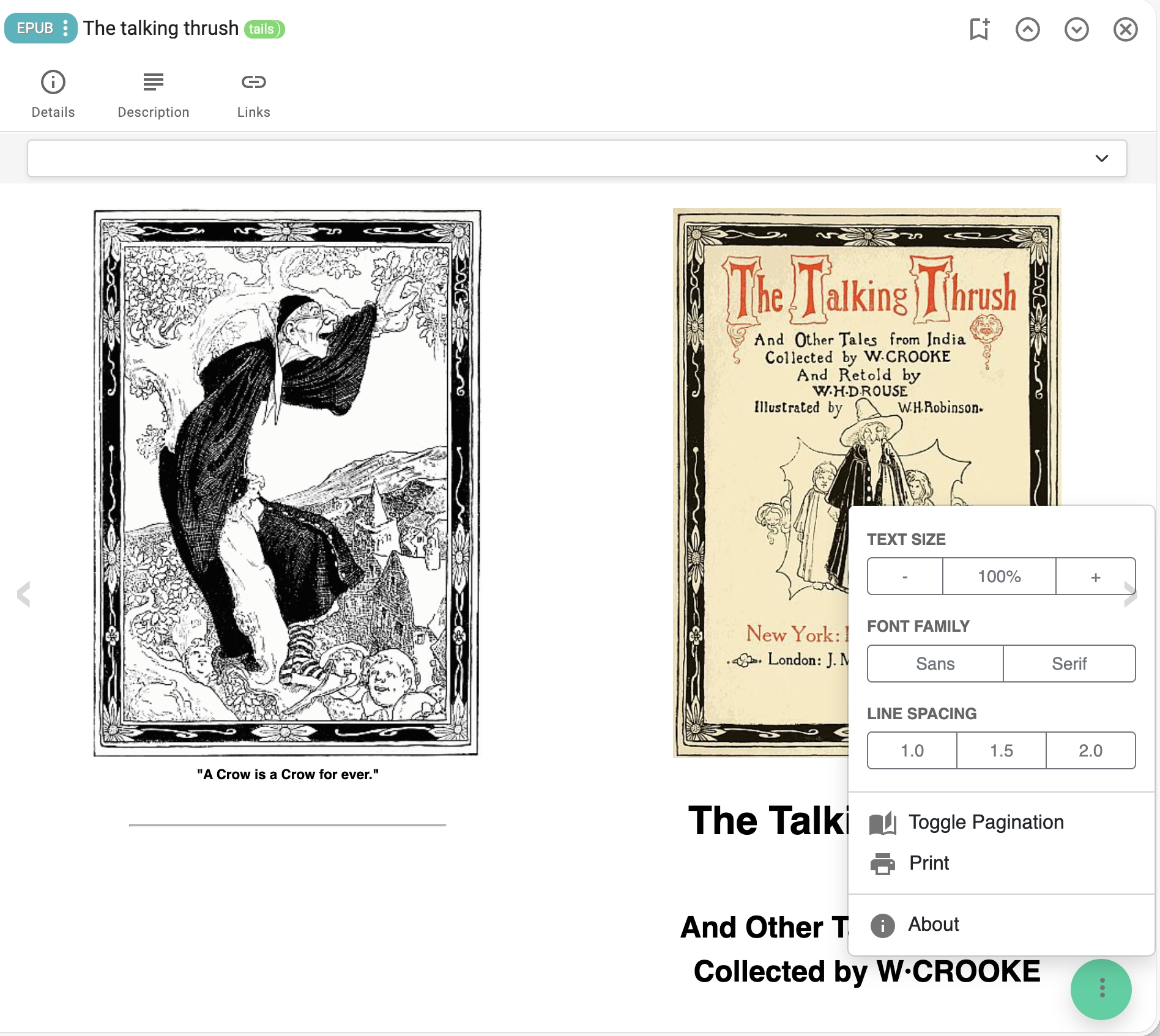
- Performance & Stability: We have rewritten the underlying code for PDF, JSON, ZIP, EPUB, RTF, HTML, MHTML, MSG, URL, and Image viewers. This "spring cleaning" results in faster load times, better rendering, and improved stability when switching between files.
- New File Format Support:
- ODT (OpenDocument Text): We have added basic preview support for
.odtfiles, a highly requested feature for users of LibreOffice and OpenOffice. - WEBLOC Support: Mac users can now preview macOS website shortcuts directly in the URL viewer.
- ODT (OpenDocument Text): We have added basic preview support for
- Audio Thumbnails: For musicians, podcasters, and sound engineers, browsing audio files just got easier. TagSpaces now generates visual thumbnails for audio files, making your sound libraries as visual as your image galleries.
🎨 UI Flexibility & Visual Feedback
We are constantly trying to find the balance between a clean interface and information density. The recent updates give you more control over that balance.
- Resizable Properties Panel: One size rarely fits all. In v6.9, you can now drag to resize the file and folder properties panel. Whether you need a wide view to read long metadata descriptions or a narrow view to maximize the file list, the choice is now yours.
- Visual Badges (v6.8): Browsing through hundreds of files? New visual badges in the entry tabs now indicate at a glance if a file or folder has an active AI chat or a description. You no longer need to click a file to know if you've already analyzed it.
- Native Desktop Feel: We have added a dedicated Window menu and a Print option directly in the File menu, making the desktop application feel more integrated with your operating system.
🚀 Pro Power: FolderViz & Calendar
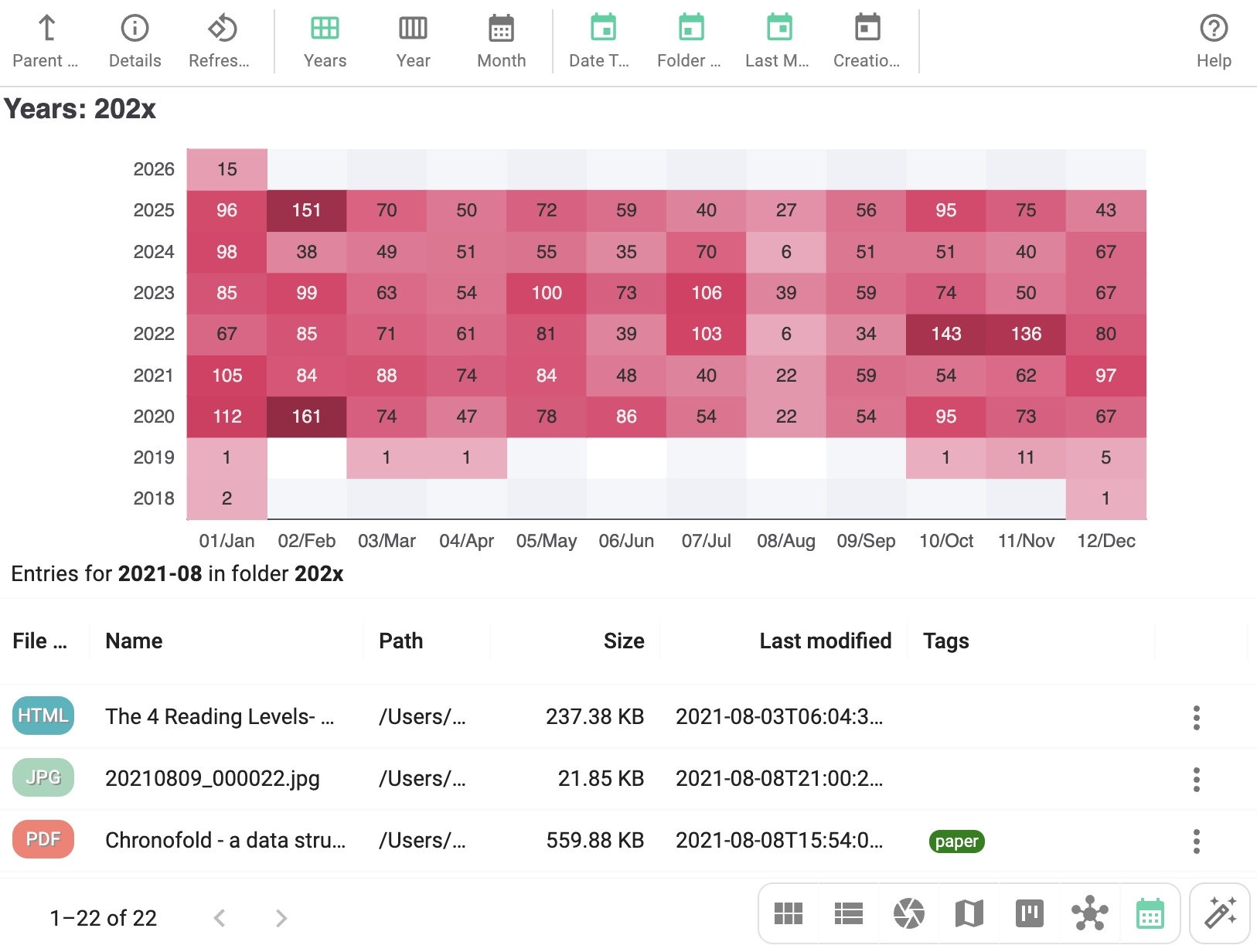
For our Power Users relying on the Pro perspectives, Version 6.8 brought significant granularity to how you visualize your data.- Per-Folder Settings: Previously, changing settings in the FolderViz or Calendar perspectives applied globally. Now, you can apply per-folder settings. This is incredibly useful if you want your "Invoices" folder to display a timeline based on modification dates, while your "Photos" folder uses creation dates.
- Refined Geo-Tagging: We have enhanced the Geo-tagging capabilities, offering a smoother experience when placing files on the map and managing location metadata.
🛠️ Performance & Polish
Beyond the big features, we have smoothed out the edges:
- Thumbnail Generation: We have optimized the engine to generate thumbnails faster and more efficiently, reducing the load on your system when opening large folders.
- Editor Upgrades: The internally used libraries (Markdown and Monaco) have been updated, resulting in a more stable writing and coding experience.
- Scroll & Search: We’ve improved vertical scrolling in the properties panel and refined the search autocomplete to be snappier.