5 posts tagged with "ai"

View All Tags

Using TagSpaces as a PKM Tool for AI Context Management

· 7 min read
Ilian Sapundshiev
Founder & Lead Developer

Your AI Assistant Generates Files. Here Is How to Manage Them.

AI coding assistants like Claude Code, Cursor, and Windsurf are no longer just autocomplete. They are agents that read your codebase, remember decisions across sessions, and leave behind a growing trail of context files — memory files, conversation plans, project notes, settings.

These files are plain text sitting on your disk. They encode critical decisions, architectural trade-offs, and feedback you gave the AI. But most developers never look at them, let alone organize them.

TagSpaces can change that. In this post, we will walk through how to use TagSpaces to browse, tag, and search your AI context files — and how to go further by building a linked digital brain from interconnected Markdown files.

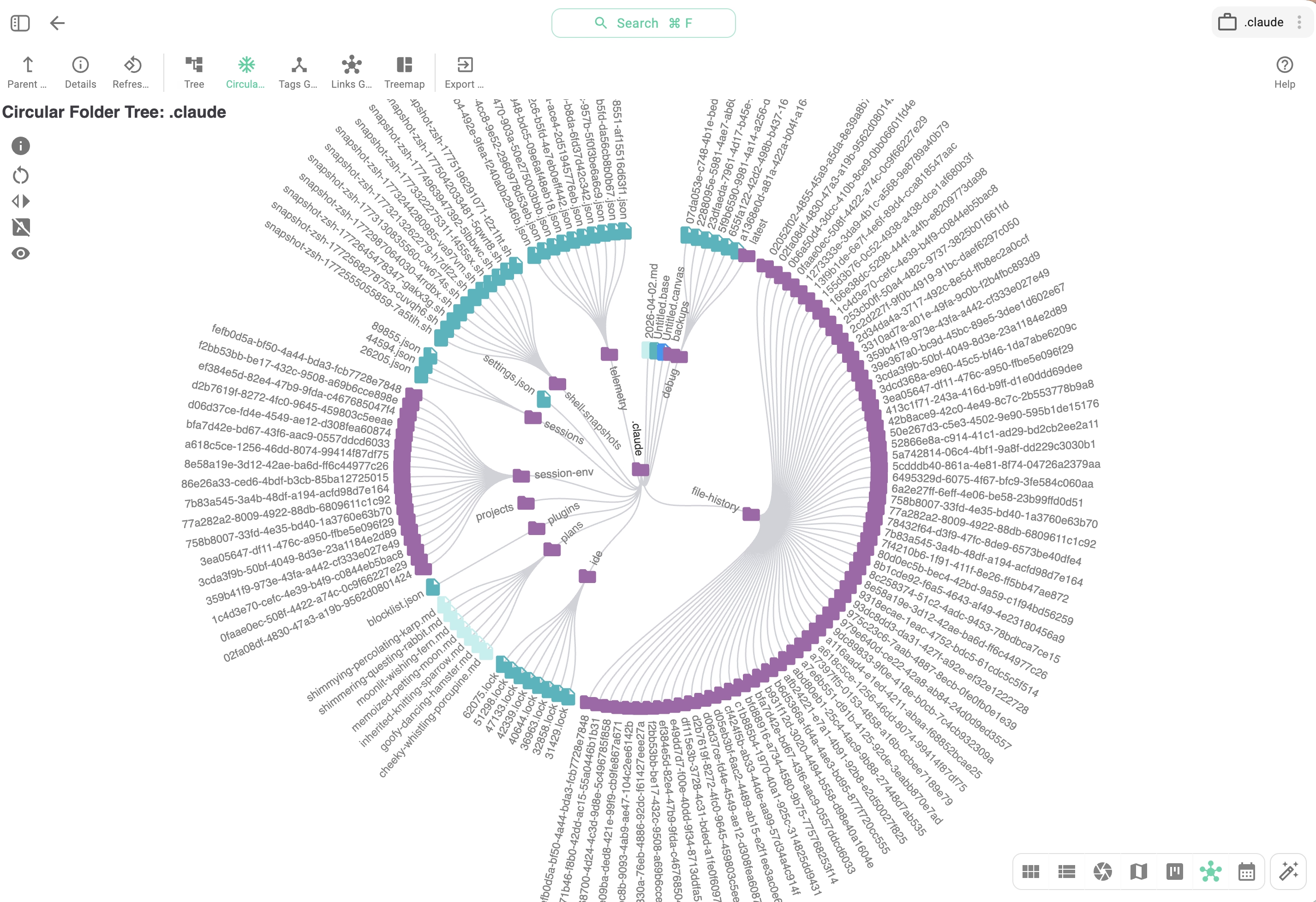
A regular '.claude' directory — showing memory files, plans, and settings generated by Claude Code visualized in TagSpaces

Introducing tscmd — The TagSpaces Command Line Tool

· 4 min read
Ilian Sapundshiev
Founder & Lead Developer

Tag, Describe, Index — All From Your Terminal

TagSpaces Desktop and Web are great for visual file organization. But when you need to tag 500 invoices, generate thumbnails for a NAS folder on a schedule, or let an AI agent sort your downloads — a GUI gets in the way.

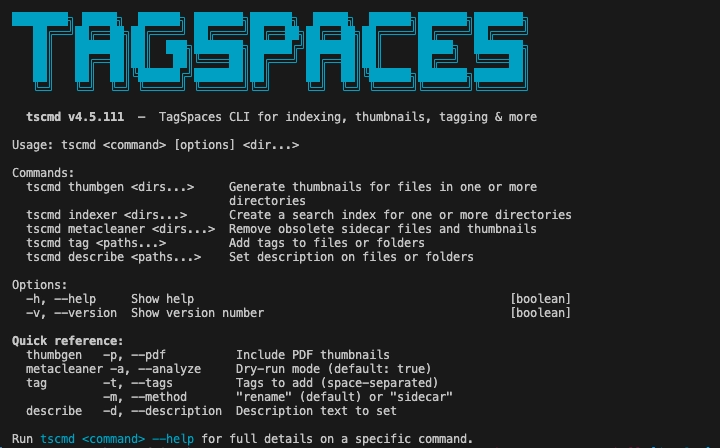
Meet tscmd: a fully rewritten command-line tool that brings TagSpaces' core capabilities to the terminal. Five commands, non-interactive, idempotent, composable with standard Unix tools.

tscmd running in a terminal — tagging, describing, and indexing files

Changes in TagSpaces 6.8 and 6.9

· 5 min read
Ilian Sapundshiev
Founder & Lead Developer

TagSpaces 6.9 & 6.8: Smarter AI, Faster Viewers, and a Fresh Start to 2026

We are off to a running start in 2026! Over the last three months, the team has been working hard to refine the core TagSpaces experience. With the releases of Version 6.9 (February) and Version 6.8 (December), we are introducing a powerful new way to manage AI interactions, a massive overhaul of our file viewers, and significant usability improvements for our Pro users.

Here is a deep dive into what is new and how it helps your workflow.

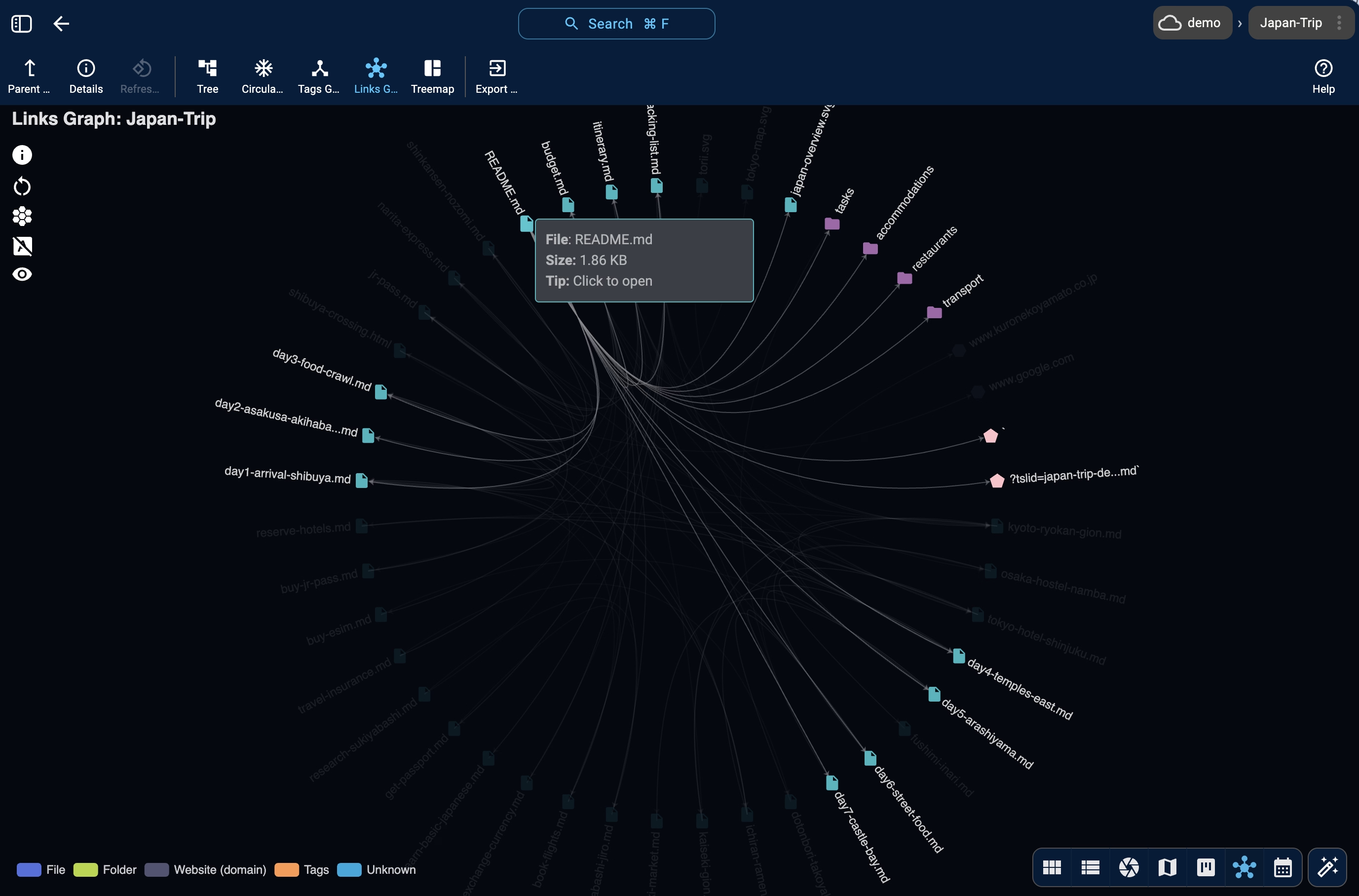
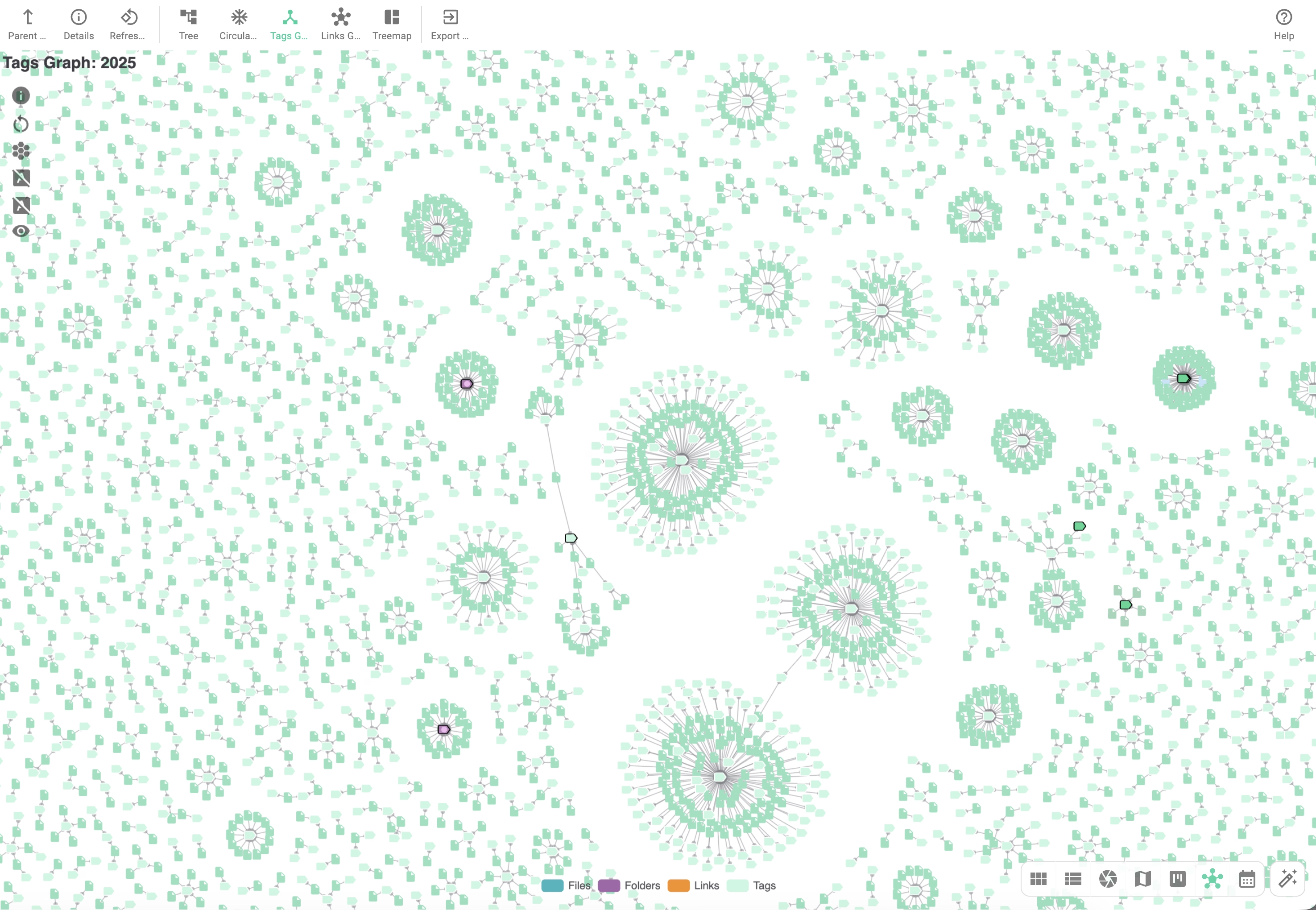
FolderViz perspective showing clusters of files connected to a certain tag.