
2 posts tagged with "workflow"

View All Tags

Using TagSpaces as a PKM Tool for AI Context Management

· 7 min read
Ilian Sapundshiev
Founder & Lead Developer

Your AI Assistant Generates Files. Here Is How to Manage Them.

AI coding assistants like Claude Code, Cursor, and Windsurf are no longer just autocomplete. They are agents that read your codebase, remember decisions across sessions, and leave behind a growing trail of context files — memory files, conversation plans, project notes, settings.

These files are plain text sitting on your disk. They encode critical decisions, architectural trade-offs, and feedback you gave the AI. But most developers never look at them, let alone organize them.

TagSpaces can change that. In this post, we will walk through how to use TagSpaces to browse, tag, and search your AI context files — and how to go further by building a linked digital brain from interconnected Markdown files.
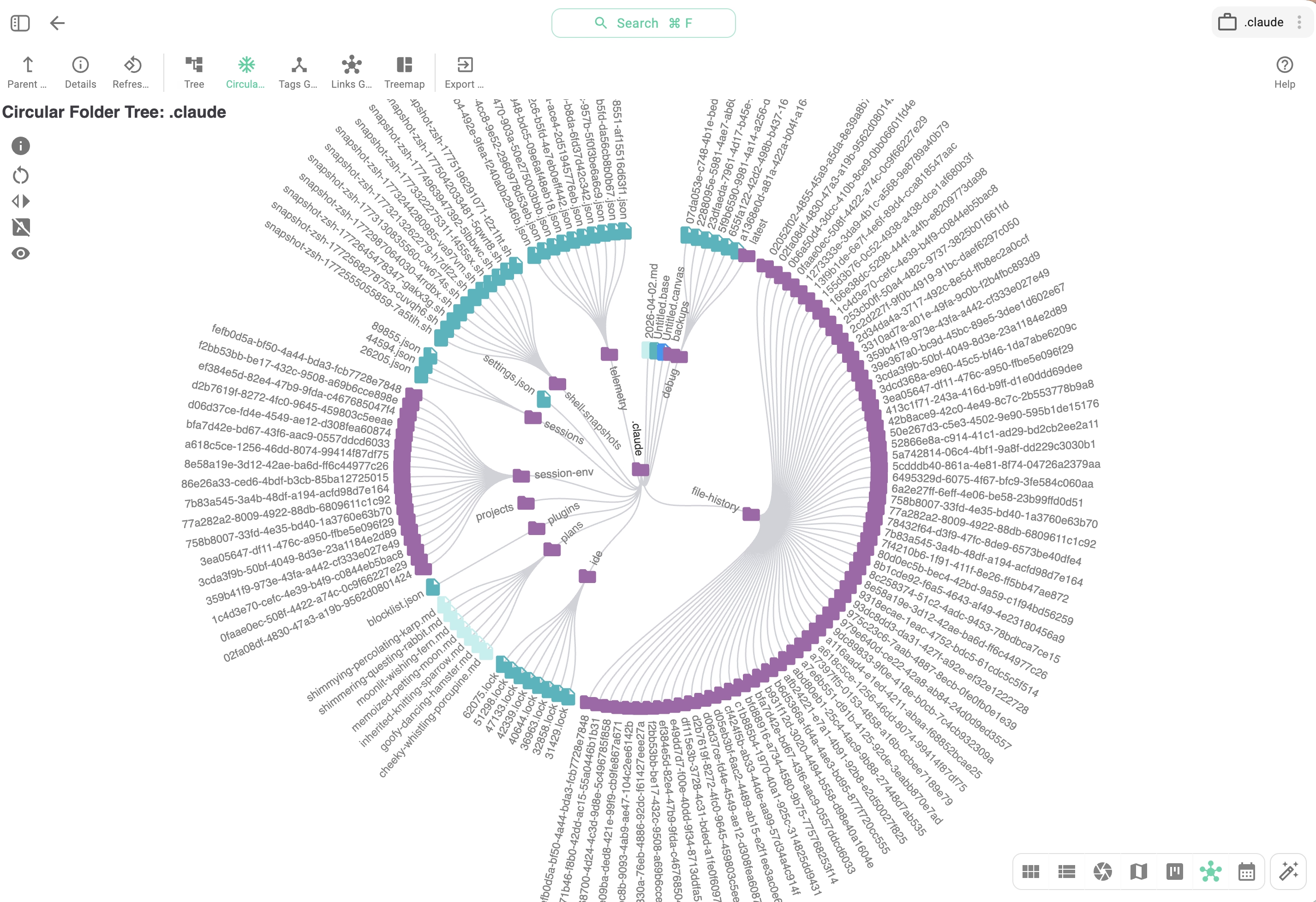
A regular '.claude' directory — showing memory files, plans, and settings generated by Claude Code visualized in TagSpaces

How I manage my ever growing collection of photos?

· 15 min read
Ilian Sapundshiev
Founder & Lead Developer

Most of the smartphone companies offer some way to store and organize your photos. Google and Apple for example sync all your photos on their own respective cloud services — Google Drive and iCloud. Although these solutions are convenient, they cost you money and the ownership of your data in the long run.

Recently I took a picture of my son with the iPad. The photo came out at the whooping 15 MB, 5 MB for the picture and 10 MB for the movie, which was automatically created before the actual taking of the photo. I suspect that the storage space taken after pressing the shutter button on the latest iPhone is even larger. The cheapest iCloud plan of 50 GB of space costs you ca. 1 € per month (Google's current price is 2 € per month for 100 GB). It doesn’t look like much, but with the size of the photos and especially with 4k videos you can easily reach the 50 GB, and then you will need the next plan. Once you have so much data on a cloud system you may encounter vendor locking issues when trying to move your files from the cloud service.