TagSpaces 6.13: New Mobile Apps, Local AI Providers, and Free Location Backup

TagSpaces 6.13: TagSpaces Goes Mobile, and Brings Your Own AI
The 6.13 release is one of our biggest steps outside the desktop in a long time. There is a brand new iOS app with iCloud support, a rebuilt Android app both based on Capacitor, and the ability to connect further local AI providers like LM Studio or llama.cpp. On top of that, location export and import moves into the free Lite edition, and filtering is now available across the most-used parts of the app.
Here is what is new.
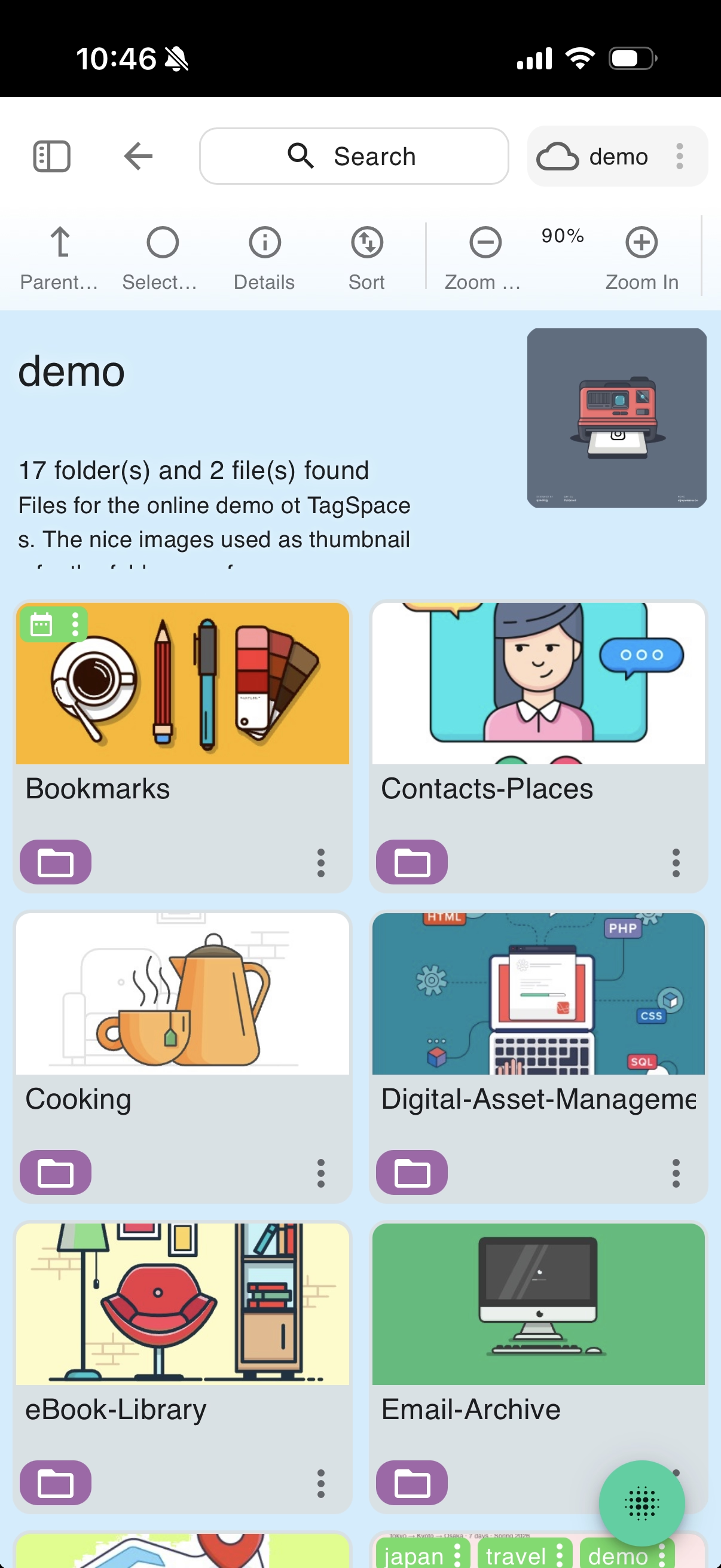
A Brand New iOS App with iCloud Support
TagSpaces is back on the iPhone and iPad with a completely new iOS app. The highlight is iCloud support, so the files and folders you organize on your Mac or PC can be reached from your iOS device through your existing iCloud Drive — no separate sync service, no cloud lock-in.
The iOS app is currently in beta and available through TestFlight. If you would like to help test it and shape its direction before the public release, please get in touch and we will send you an invite.
This is the first release of the new app, so expect rapid iteration — your feedback during the beta is what will set the priorities for the next builds.
A Rebuilt Android App on Google Play
The Android app has been rebuilt on Capacitor, putting it on the same modern foundation as the rest of the TagSpaces apps and making it far easier for us to keep desktop and mobile in step going forward.
The new app is available on Google Play, and a number of mobile-specific improvements landed alongside it — including the ability to take photos directly within the app and tag them on the spot, and fixes for exporting and downloading multiple files on mobile devices.
TagSpaces Pro comes to mobile as well: the mobile Pro version is available to buy directly within the Android app, unlocking the Pro perspectives and features on your phone and tablet.
Bring Your Own AI: Local and OpenAI-Compatible Providers
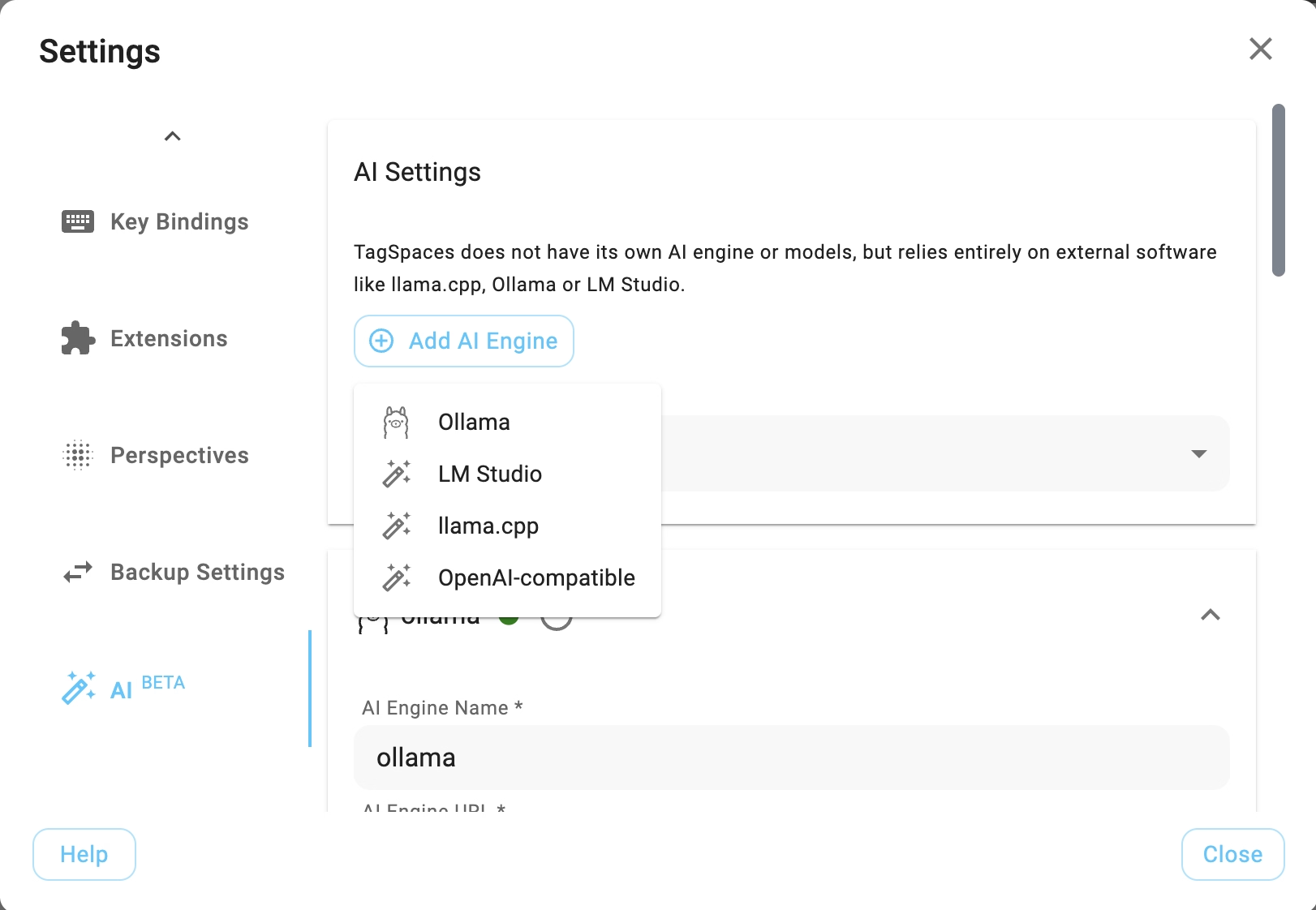
Beyond the existing Ollama integration, TagSpaces now connects to many more AI providers. You can point it at local runtimes such as LM Studio and llama.cpp, at hosted OpenAI-compatible services, or at any other endpoint that speaks the OpenAI API.
This matters because it keeps AI on your terms and, if you want, entirely on your machine. Running a local model means your files and prompts never leave your computer — the same privacy-first principle that drives the rest of TagSpaces, now applied to AI. You choose the provider, the model, and where the data goes.
Location Export & Import Is Now Free
Continuing the direction of the last few releases — moving features from Pro into the free Lite edition — exporting and importing your locations is now a free feature. Anyone can carry their configured locations between machines or back them up, no Pro license required.
This pairs naturally with the reworked settings import/export from 6.12: your locations, settings, and tag groups can all travel with you.
Filters Across the App
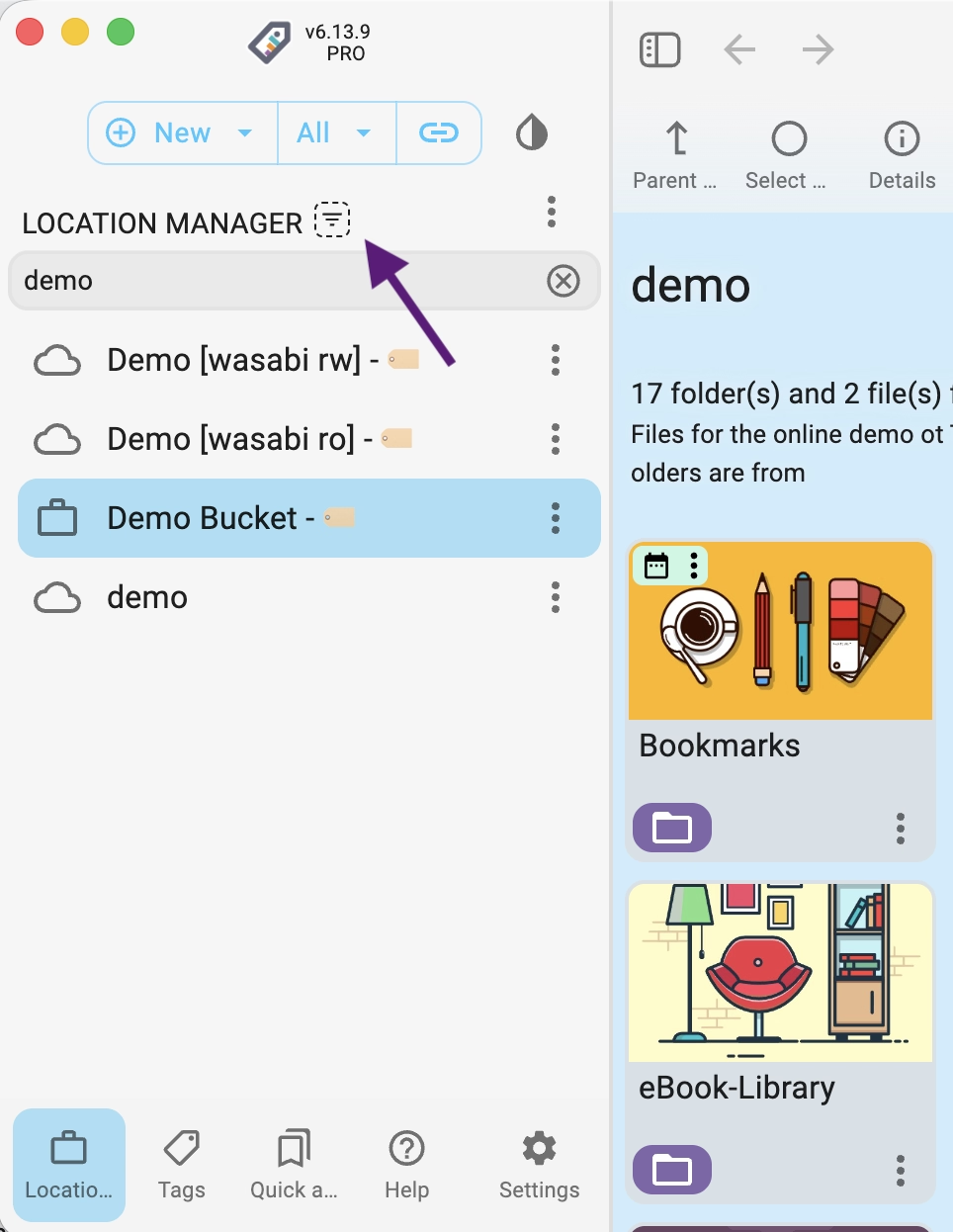
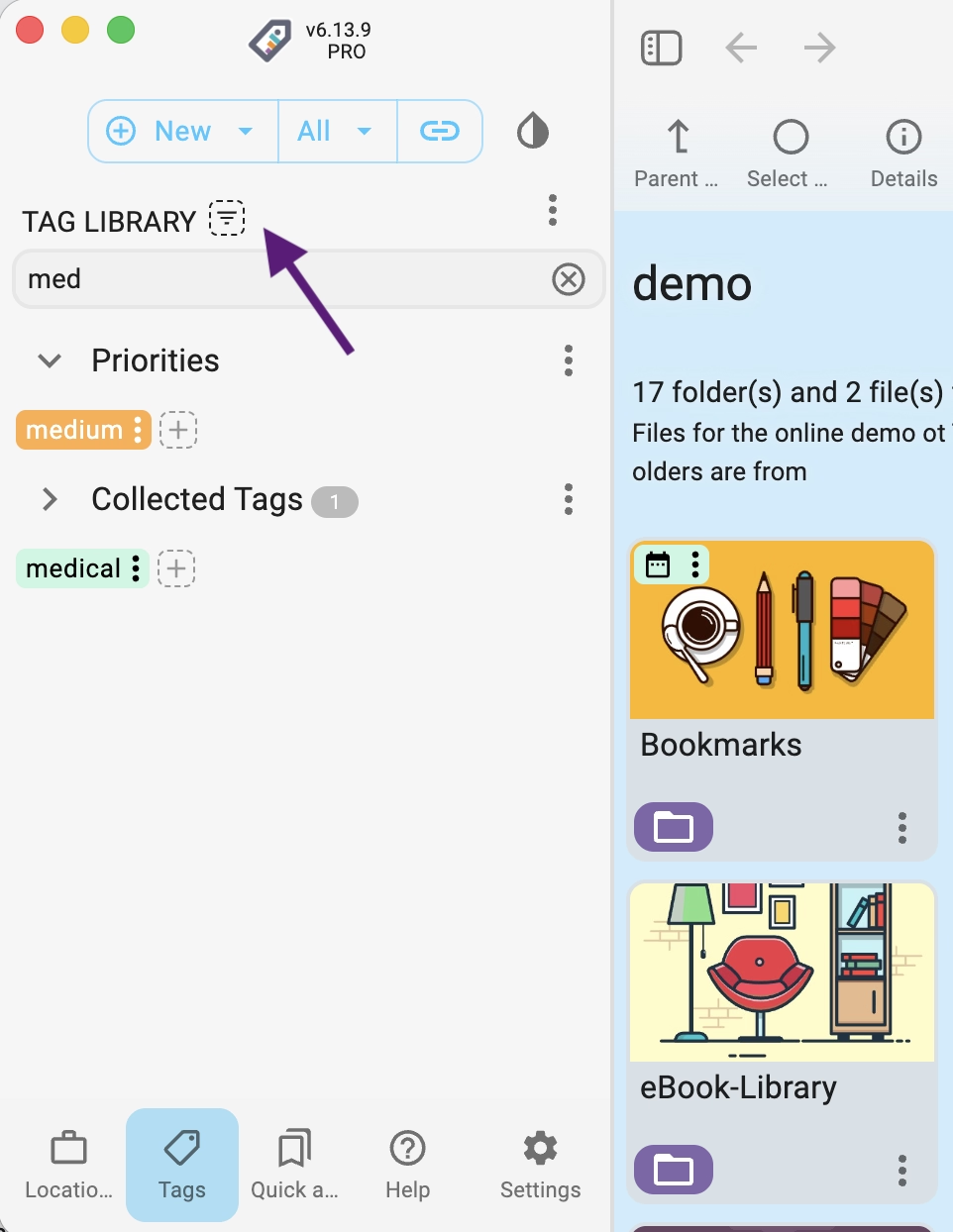
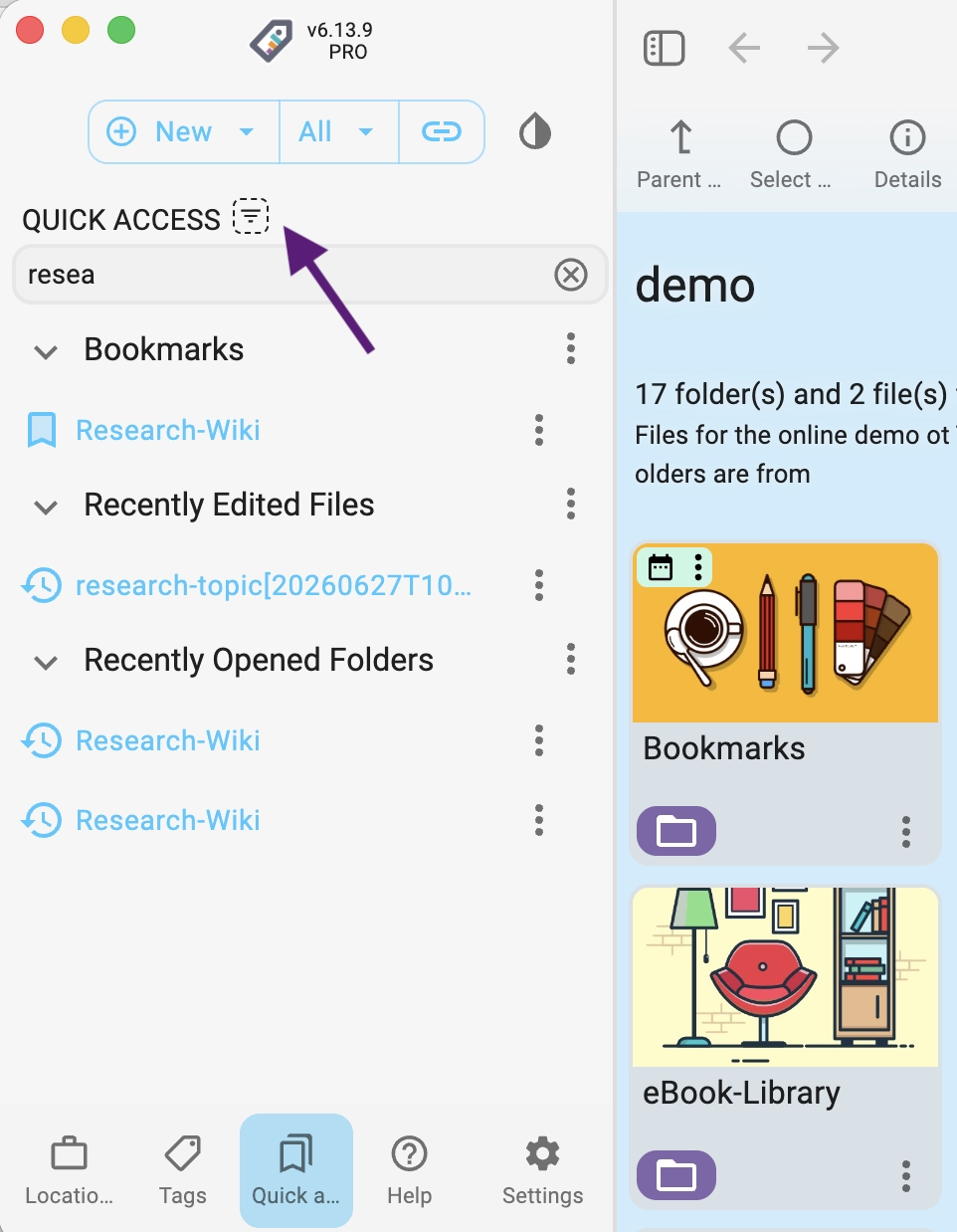
Finding things in a large setup just got faster. 6.13 adds filtering to the places where lists grow longest:
- a filter for the Quick Access component
- a filter for tags and tag groups
- a locations filter at the top of the location manager
Start typing and the list narrows immediately — no more scrolling through long lists of tag groups or locations to find the one you want.
URL Scraping
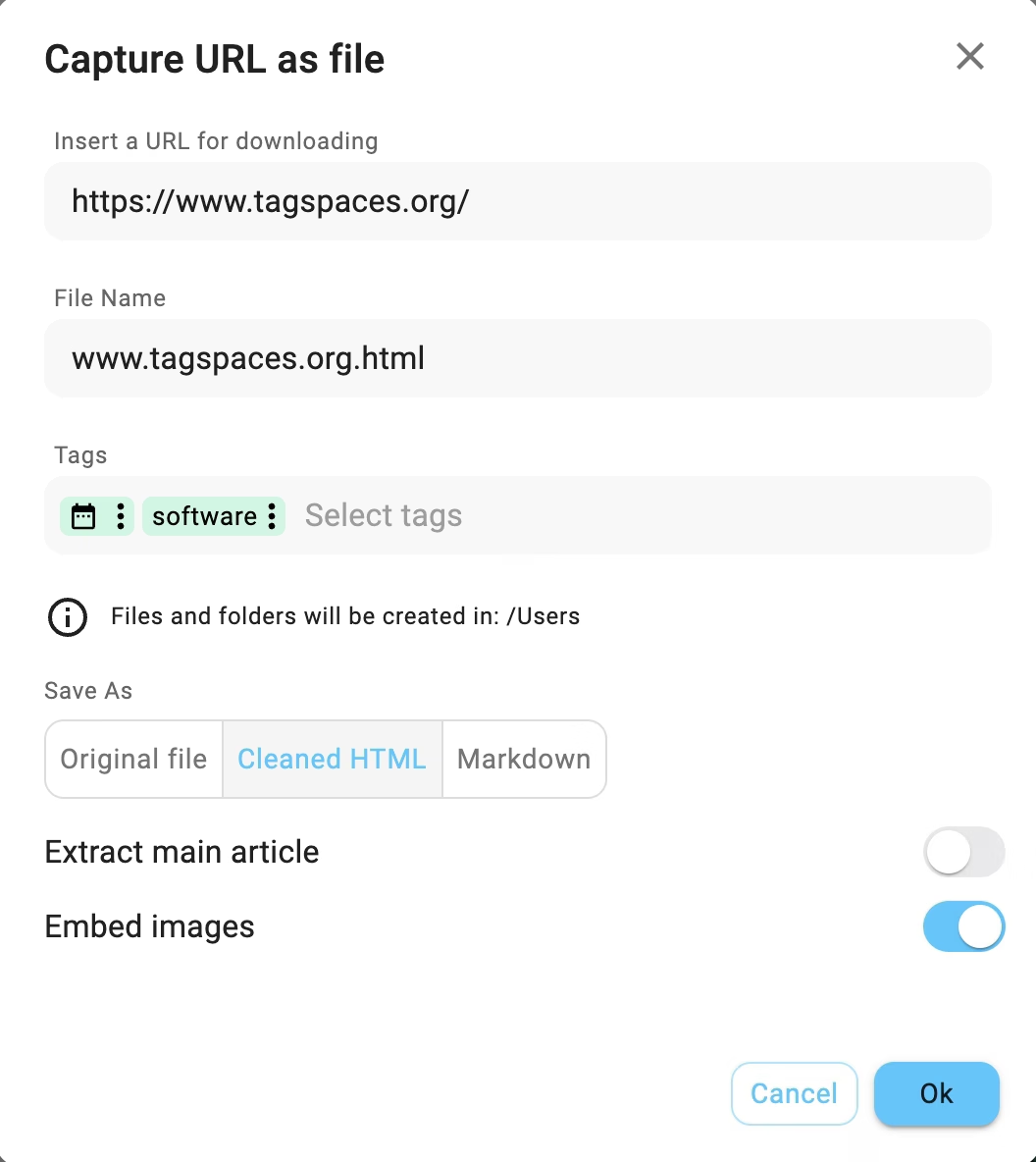
proThe download-from-URL workflow grows into full URL scraping: point TagSpaces at a web page and capture its content directly into one of your locations, ready to tag, annotate, and find later. It turns "I'll save this for reference" into a single action that lands the page in your own file-based vault instead of a browser bookmark you will never revisit.
Smaller Improvements That Add Up
- Faster Grid and List perspectives — re-rendering has been optimized, so large folders feel snappier
- Improved reload-on-focus behavior when you return to the app
- A new submenu for file creation in the directory menu, making it quicker to start a new file from a template
- Optimized layout on small screens throughout the app
- Adjustments in the onboarding dialog, including suggested default locations on Android and iOS
- Tooltips are now skipped outside desktop mode, where they only get in the way
- Extensions can now load
extconfig.jsonfrom the Electron profile folder, making custom deployments easier to manage - pro Various refinements in the Gallery perspective
- pro Toggle bookmark action added to the entry container menu (the bookmark button is hidden on small screens to save space)
Fixes
- Fixed the full-width state of the app
- Fixed loading of location tags that was broken in some cases
- Fixed exporting files on mobile devices, including downloading multiple files at once
- Fixed reloading of file content when toggling file details
- The description availability badge is no longer hidden when opening the description
- Corrected color customization via extension configs (
extconfig) - Media player fixes and improvements for saving screenshots and using the clipboard (extension updates)
Under the Hood
- Redesigned macOS tag extraction, now covered by tests
- Refactored new file creation from the template dialog, the File/Open menus, and the directory menu
- Updated Electron, MUI, Milkdown, and ECharts libraries
How to Update
The new version is available on the downloads page. The iOS app is in beta on TestFlight — contact us for an invite — and the new Android app is on Google Play. Pro users should follow the instructions in the update documentation to update their existing installation without losing data.
As always, if you run into anything unexpected, please open an issue on GitHub or reach out via the community forum. Your reports directly shape what gets fixed next.