2 posts tagged with "cli"

View All Tags

Changes in TagSpaces 6.11: Free Descriptions, Search Redesign, and AI-Ready Indexing

ยท 9 min read
Ilian Sapundshiev
Founder & Lead Developer

TagSpaces 6.11: A Bigger Free Edition, Faster Search, and AI-Ready Indexingโ€‹

The 6.11 release is one of the more consequential updates in a while. Three things stand out: editing descriptions for files and folders is now a free feature, the full-text search engine has been redesigned from the ground up, and the underlying indexing and search functionality is now available as a standalone package โ€” which opens the door to serious local AI-agentic workflows via the tscmd command-line tool.

Here is a walkthrough of what is new.
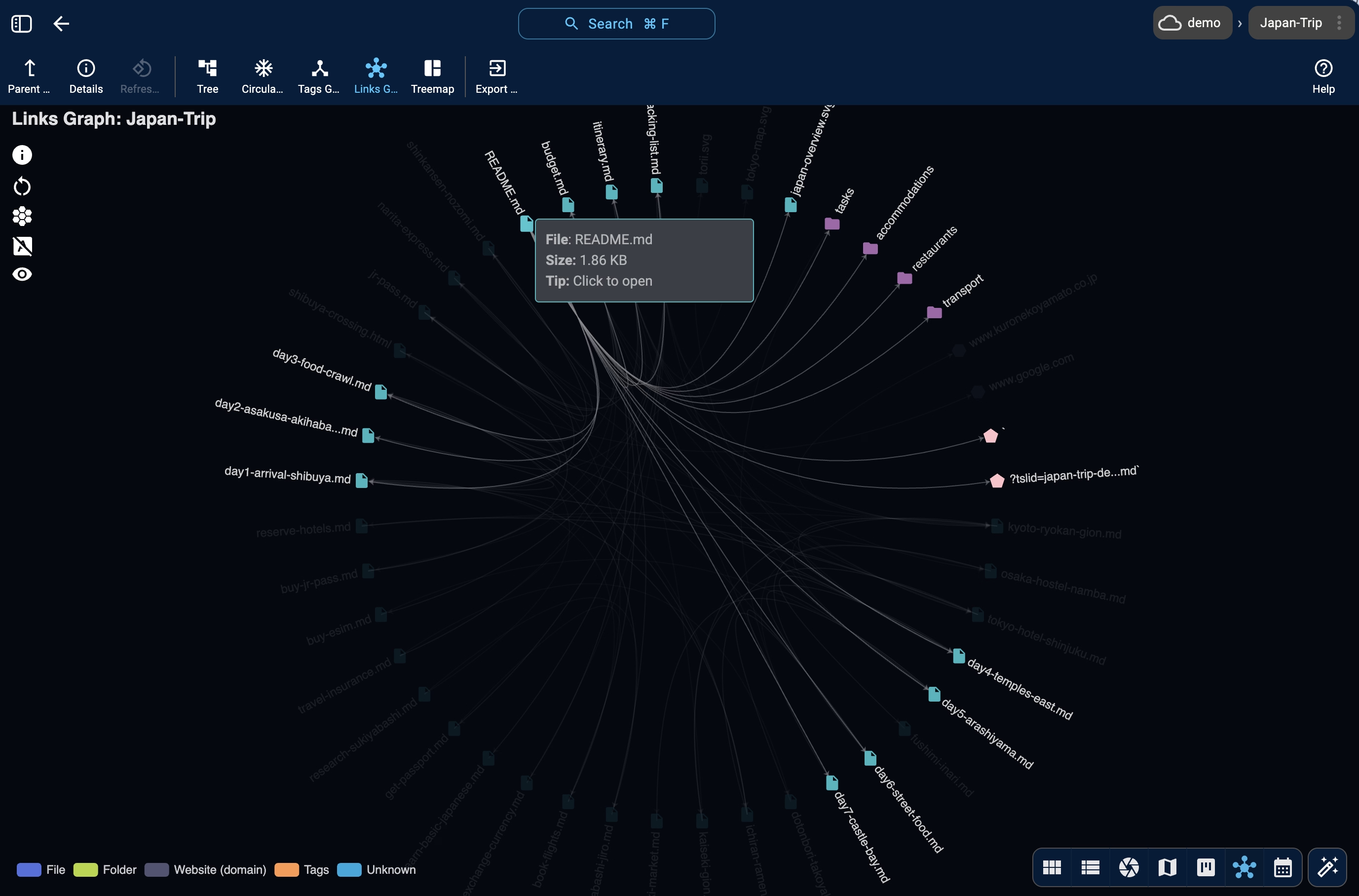
The folderviz perspective's Links Graph view โ€” showing the network of links between Markdown files in a folder

Introducing tscmd โ€” The TagSpaces Command Line Tool

ยท 4 min read
Ilian Sapundshiev
Founder & Lead Developer

Tag, Describe, Index โ€” All From Your Terminalโ€‹

TagSpaces Desktop and Web are great for visual file organization. But when you need to tag 500 invoices, generate thumbnails for a NAS folder on a schedule, or let an AI agent sort your downloads โ€” a GUI gets in the way.

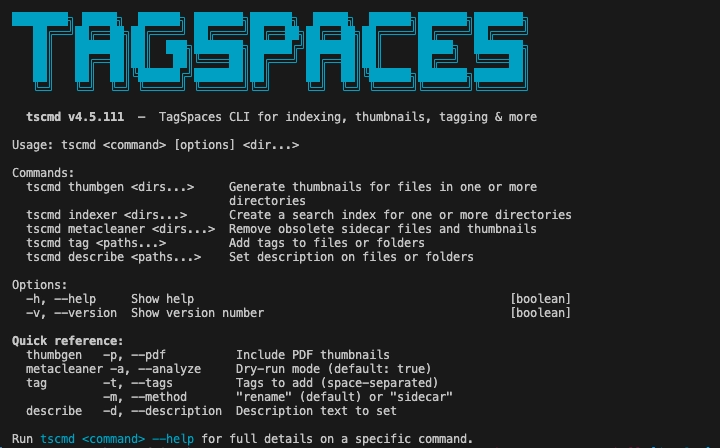
Meet tscmd: a fully rewritten command-line tool that brings TagSpaces' core capabilities to the terminal. Five commands, non-interactive, idempotent, composable with standard Unix tools.

tscmd running in a terminal โ€” tagging, describing, and indexing files