
4 posts tagged with "search"

View All Tags

TagSpaces 6.14 & 6.15: The Stream Perspective, a Redesigned Interface, and React 19

Β· 6 min read
Ilian Sapundshiev
Founder & Lead Developer

Two Releases, One Theme: Seeing Your Files Differently​

The last two releases went in the same direction from opposite ends. 6.14 added a completely new way to look at a folder β€” the Stream perspective, which lays your files out in chronological order on a 2D and 3D wall. 6.15 then reworked the surfaces you look at every day: a redesigned entry properties panel, a redesigned quick access area, and a long list of search improvements.

Underneath both sits a substantial modernization: the app has migrated to React 19, moved to Electron 45 with JPEG XL support, and shed the separate web service process it no longer needs.
The new Stream perspective, showing files in chronological order

TagSpaces 6.12: Free Full-Text Search, and a Modernized Foundation

Β· 8 min read
Ilian Sapundshiev
Founder & Lead Developer

TagSpaces 6.12: More Free Search, a New Move/Copy Dialog, and a Modernized UI​

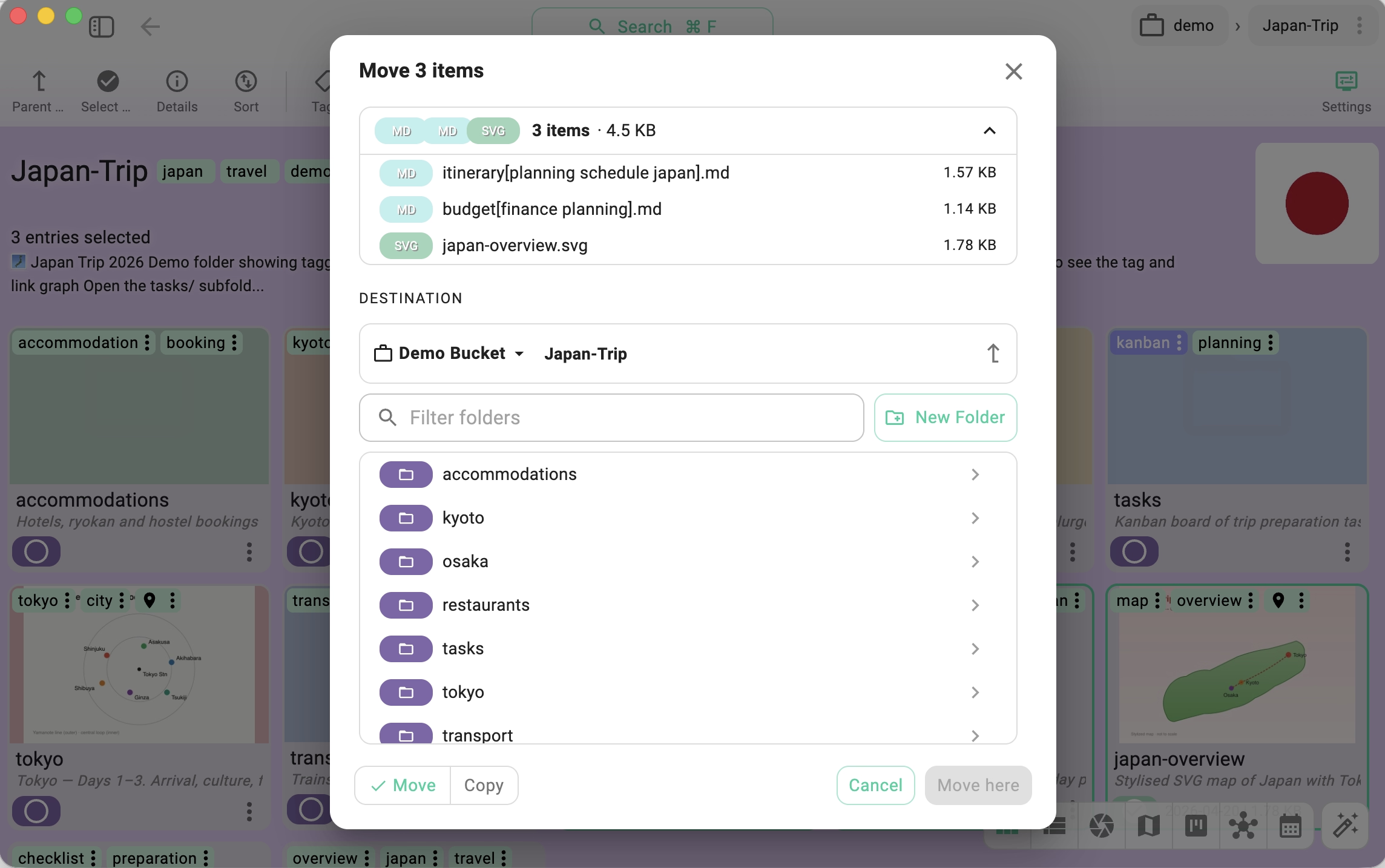
The 6.12 release continues the direction set in 6.11 β€” more features moving from Pro into the free Lite edition and a steady modernization of the desktop app. Full-text search on plain text files becomes free, the move/copy dialog has been rewritten from scratch, import/export has a new implementation underneath, and the UI takes a meaningful step forward with a touch-friendly splitter, iOS-style switches, and the upgrade to MUI 9.

Here is what is new.

The rewritten move/copy entries dialog β€” with quick access to recent target folders

Changes in TagSpaces 6.11: Free Descriptions, Search Redesign, and AI-Ready Indexing

Β· 9 min read
Ilian Sapundshiev
Founder & Lead Developer

TagSpaces 6.11: A Bigger Free Edition, Faster Search, and AI-Ready Indexing​

The 6.11 release is one of the more consequential updates in a while. Three things stand out: editing descriptions for files and folders is now a free feature, the full-text search engine has been redesigned from the ground up, and the underlying indexing and search functionality is now available as a standalone package β€” which opens the door to serious local AI-agentic workflows via the tscmd command-line tool.

Here is a walkthrough of what is new.

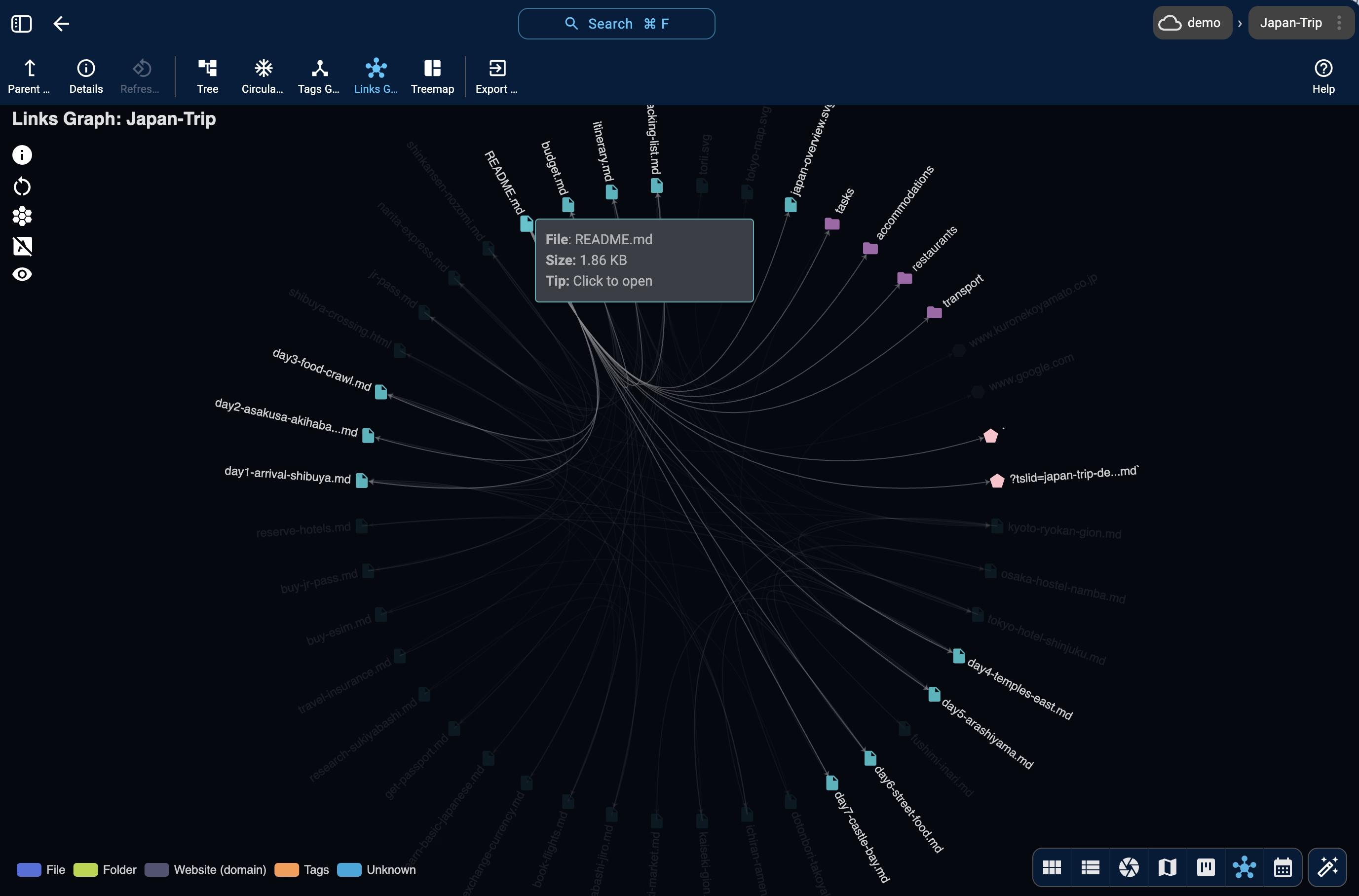
The folderviz perspective's Links Graph view β€” showing the network of links between Markdown files in a folder