16 posts tagged with "release"

View All Tags

Version 5 - new features and improvements

· 10 min read
Ilian Sapundshiev
Founder & Lead Developer

We just a released version 5 of TagSpaces, which is a brand-new release including a lot of changes under the hood of the application, but also many new features and improvements. In general we concentrated on enhancing the ability to customize and personalize your folders. Here you will find what is new in this major update of TagSpaces.
Major improvements in the brand new TagSpaces 4.0

· 7 min read
Ilian Sapundshiev
Founder & Lead Developer

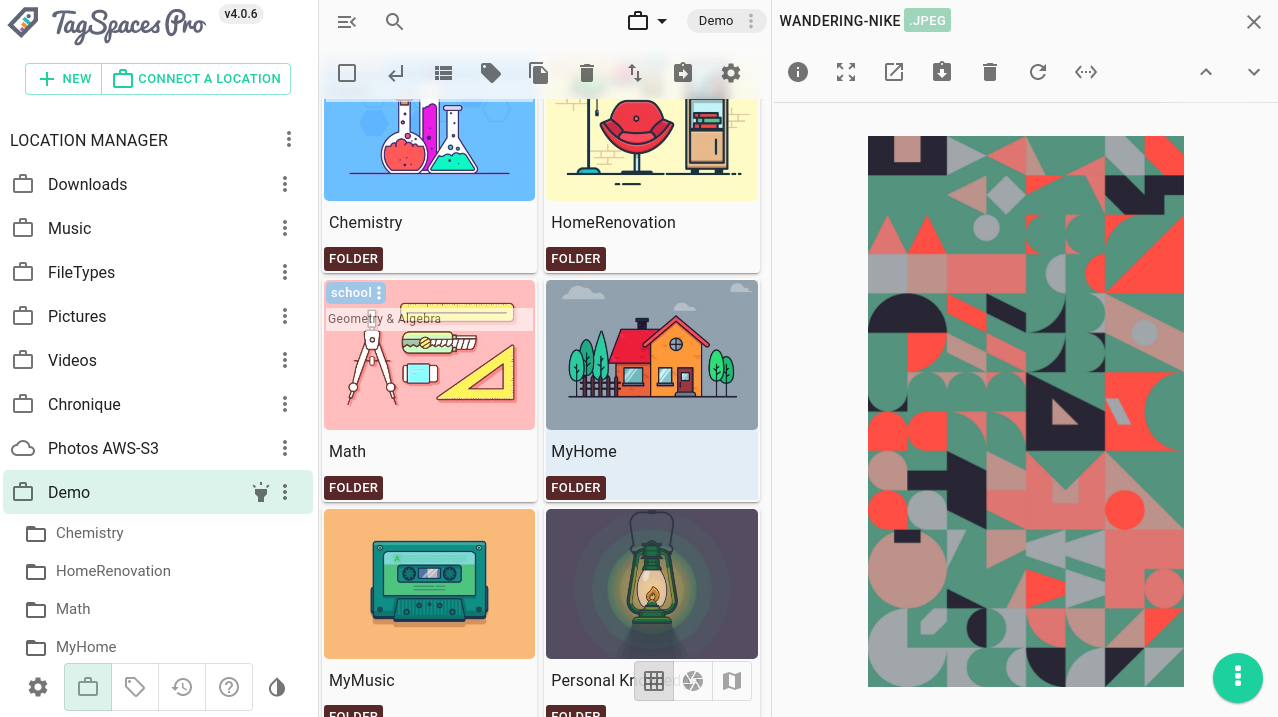
We recently released version 4.0 of TagSpaces. This is a major release containing many improvements of the user interface and some big changes under the hood of the app. For the desktop app we have decoupled the processes for search index generation and thumbnail creation for images from the main app. Now they run as separate processes, which makes the main user interface run more smoothly. For the image thumbnail generation (for e.g. JPG, PNG, GIF or SVG files), we now use the native sharp library, which is blazing fast and brings enormous performance gains. We have redesigned how the left sidebar area of the application behaves, unifying much of differences between the mobile and desktop mode of the application. Furthermore the icons for the buttons for navigating to the next and the previous files were exchanged with down and up arrows.

New user interface in v4 of TagSpaces

New features in TagSpaces 3.11

· 6 min read
Ilian Sapundshiev
Founder & Lead Developer

Welcome to the late August release of TagSpaces. There are a number of updates in this version that we hope you will like.

WYSIWYG Markdown editor

WYSIWYG stays for what you see is what you get and this describes our new markdown editor best, where you do not have to know anything about Markdown, but you can still use its power.

What’s new in TagSpaces 3.9?

· 3 min read
Attila Orosz

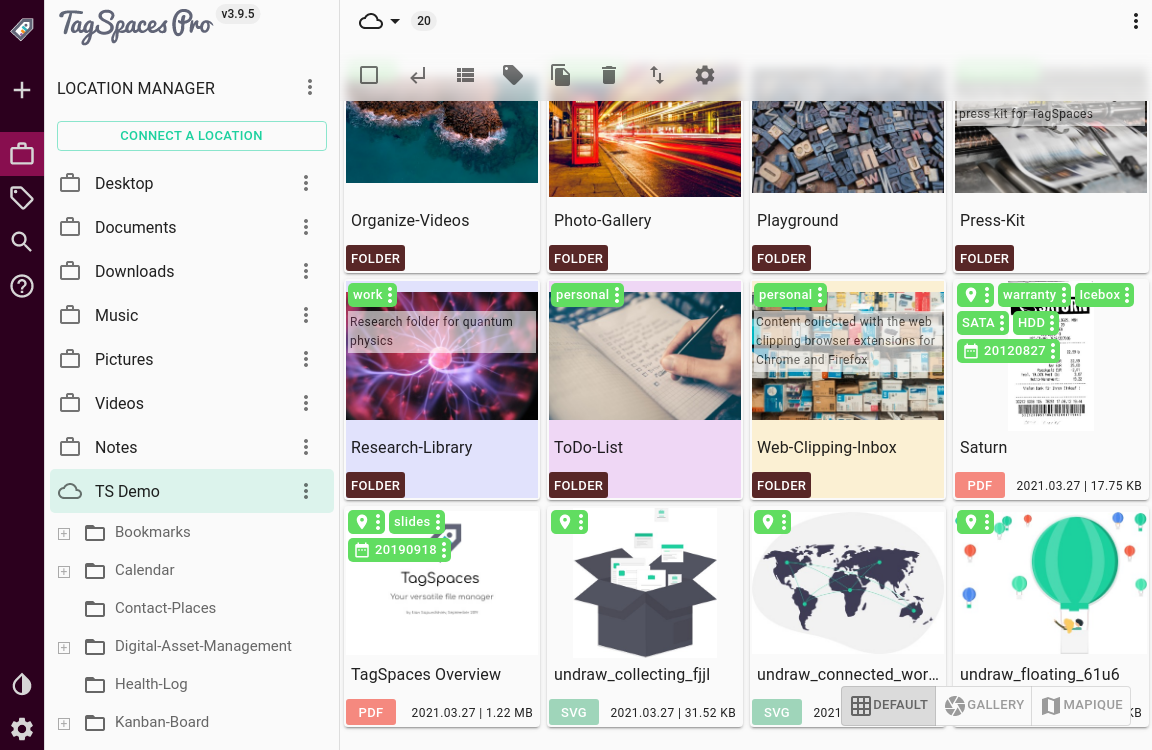
TagSpaces main window

TagSpaces v3.9.5, our most advanced version yet, is now available, building upon and further improving the change introduced in previous releases.

User Interface and UX features and improvements

Version 3.9.5. has seen its share of UI and UX improvements.

Menus have seen some important additions and changes. The option to “open parent folders internally” was added to the File menu, this is most useful for file and folder entries in search results. When in the Default or KanBan perspective, a right-click on an empty area will bring up the directory menu, and the locations context menu gained a “Close all locations” entry.

The forgotten releases

· 7 min read
Attila Orosz

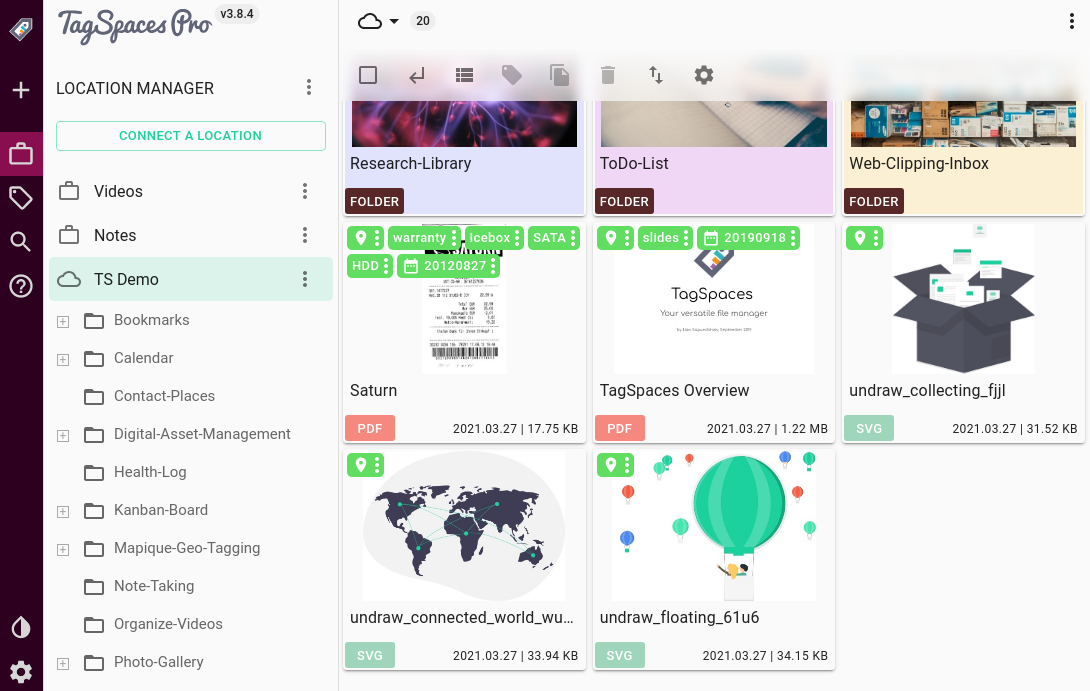
TagSpaces main window

TagSpaces has seen some new releases in the past months, bringing enhancements and upgrades, and many new features. With our latest release, v3.9 becoming available, it’s time we went through some of what came before in versions v3.7 and v3.8, respectively.

User Interface and UX features and improvements

Version 3.7 has seen some improvements in the UI/UX front. The already extensive and advanced tagging functionality, a key feature of the software, was improved in some small ways. Similarly to other tag groups, the now read-only SmartTag group can now be collapsed in the sidebar. Since TagSpaces can extract macOS tags, an explanation is now provided for Mac users on how the tag extraction works in TagSpaces.